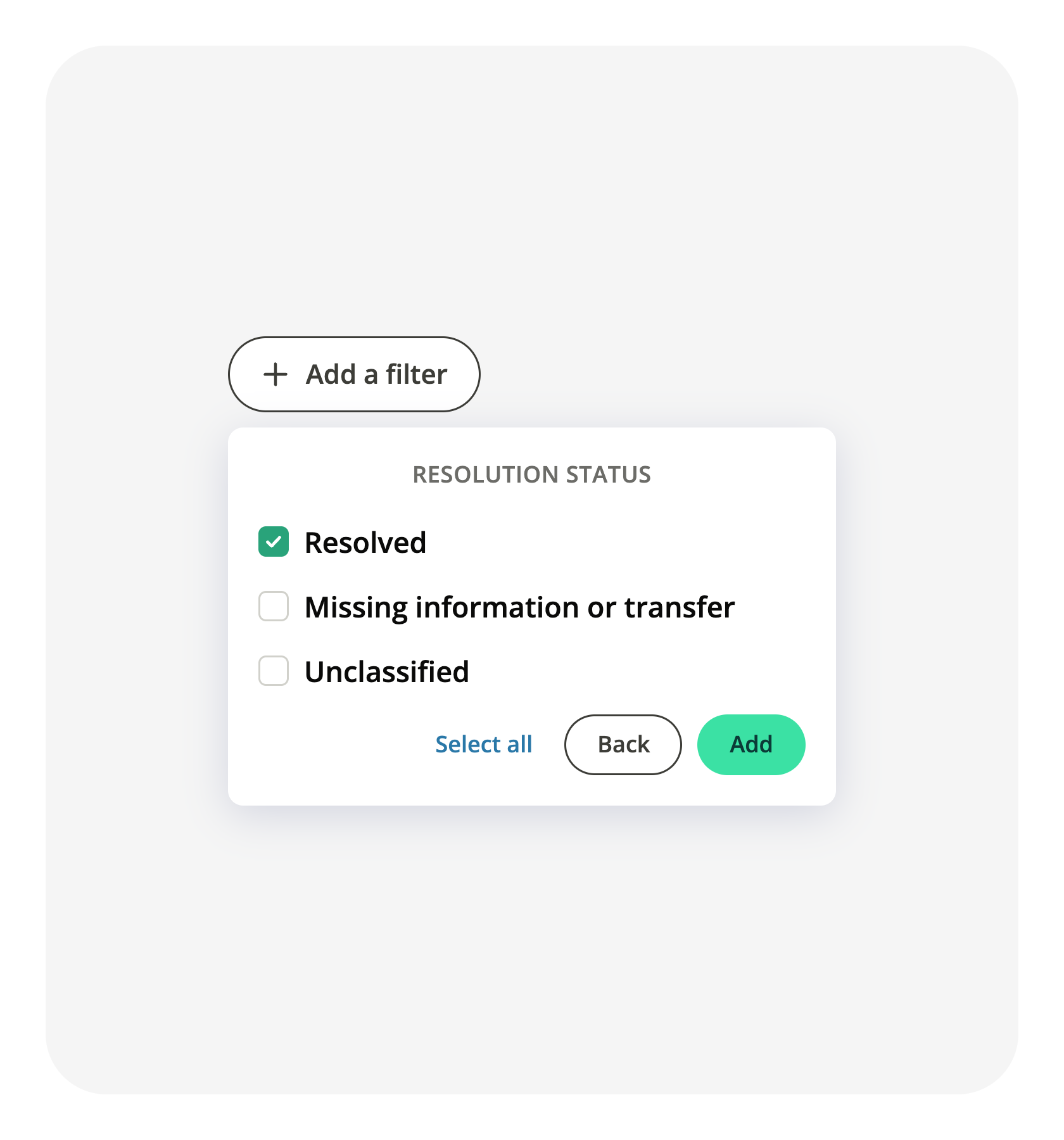
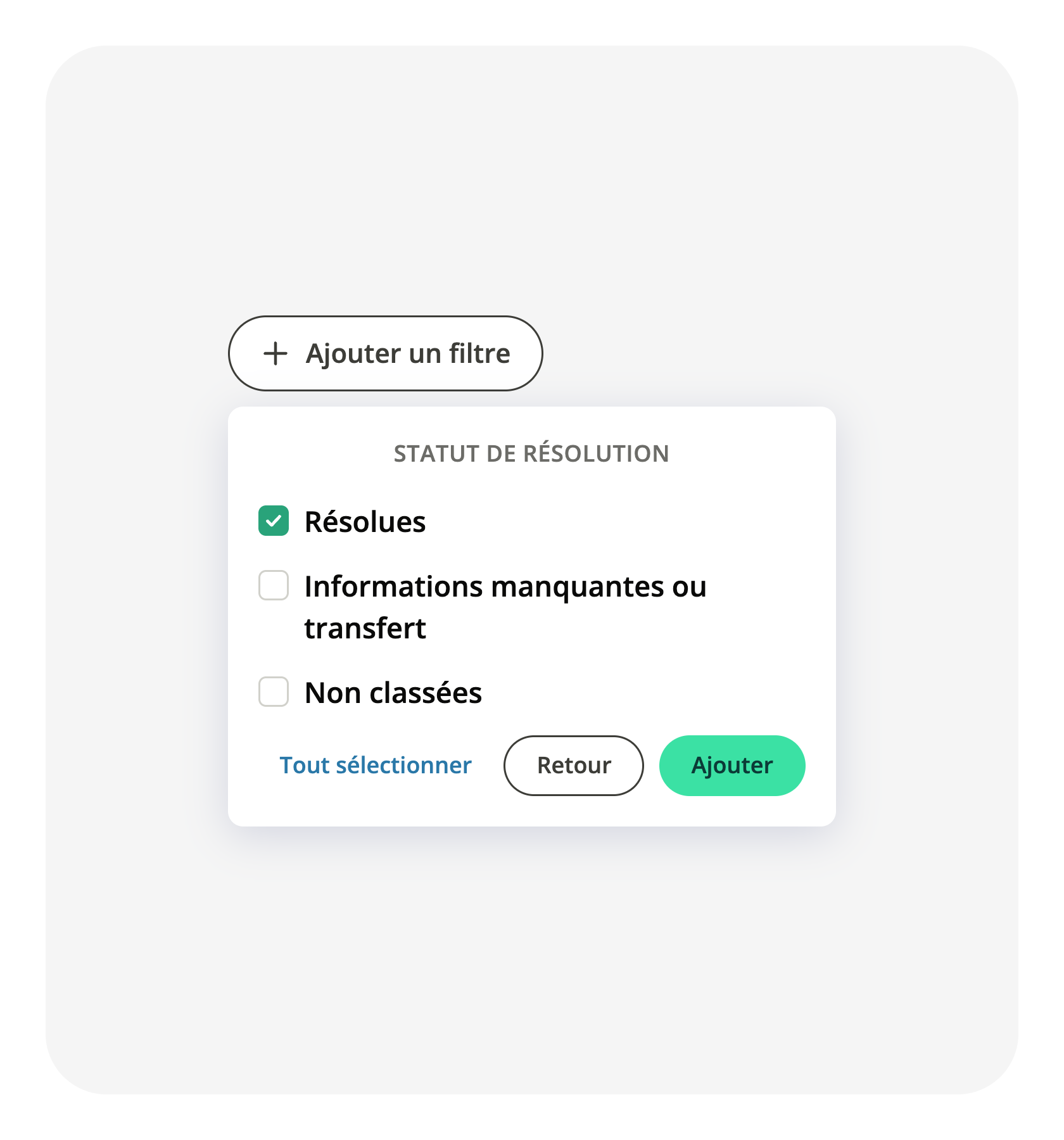
Filter conversations by resolution status in your exports and API
The conversation report tells you how each conversation ended: resolved, unresolved, or not classified yet, and whether it was a pre-sale or a post-sale exchange. Both readings stopped at the report. Your export did not carry them, and the public API could not filter on them.
They now travel with the data. The conversation export follows the filters you set in the report and adds seven columns, among them the resolution status, the pre-sale or post-sale label, the automation level, the agent groups and the use cases. On the public API, the closed-conversation query accepts the resolution status and the pre-sale or post-sale label as filters, and returns them on each conversation, with the same three resolution values the report displays. Open the conversation report, set your filters and export from there, or query your closed conversations from your own integration.
Related articles
Reports - Conversations · API