5
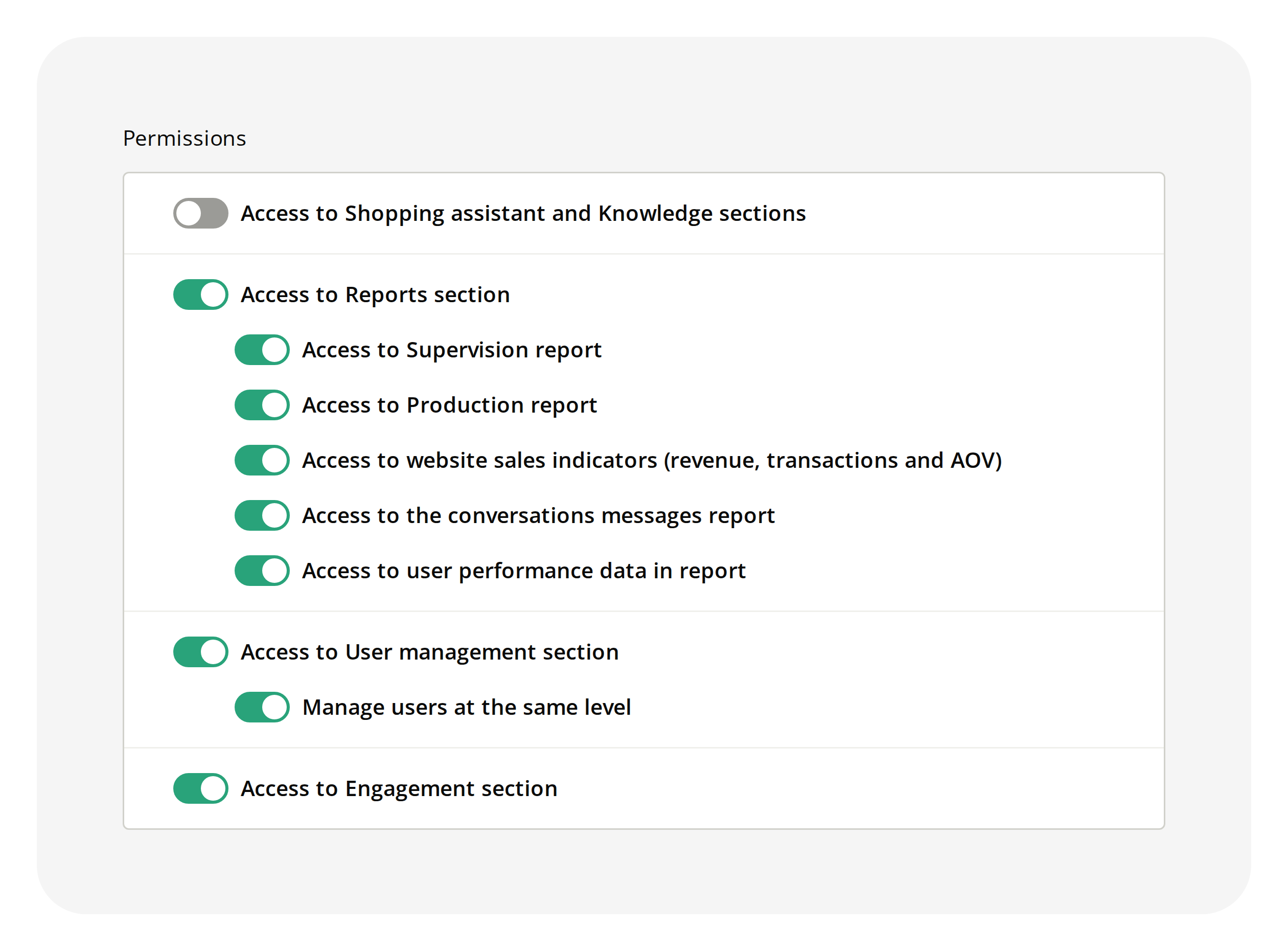
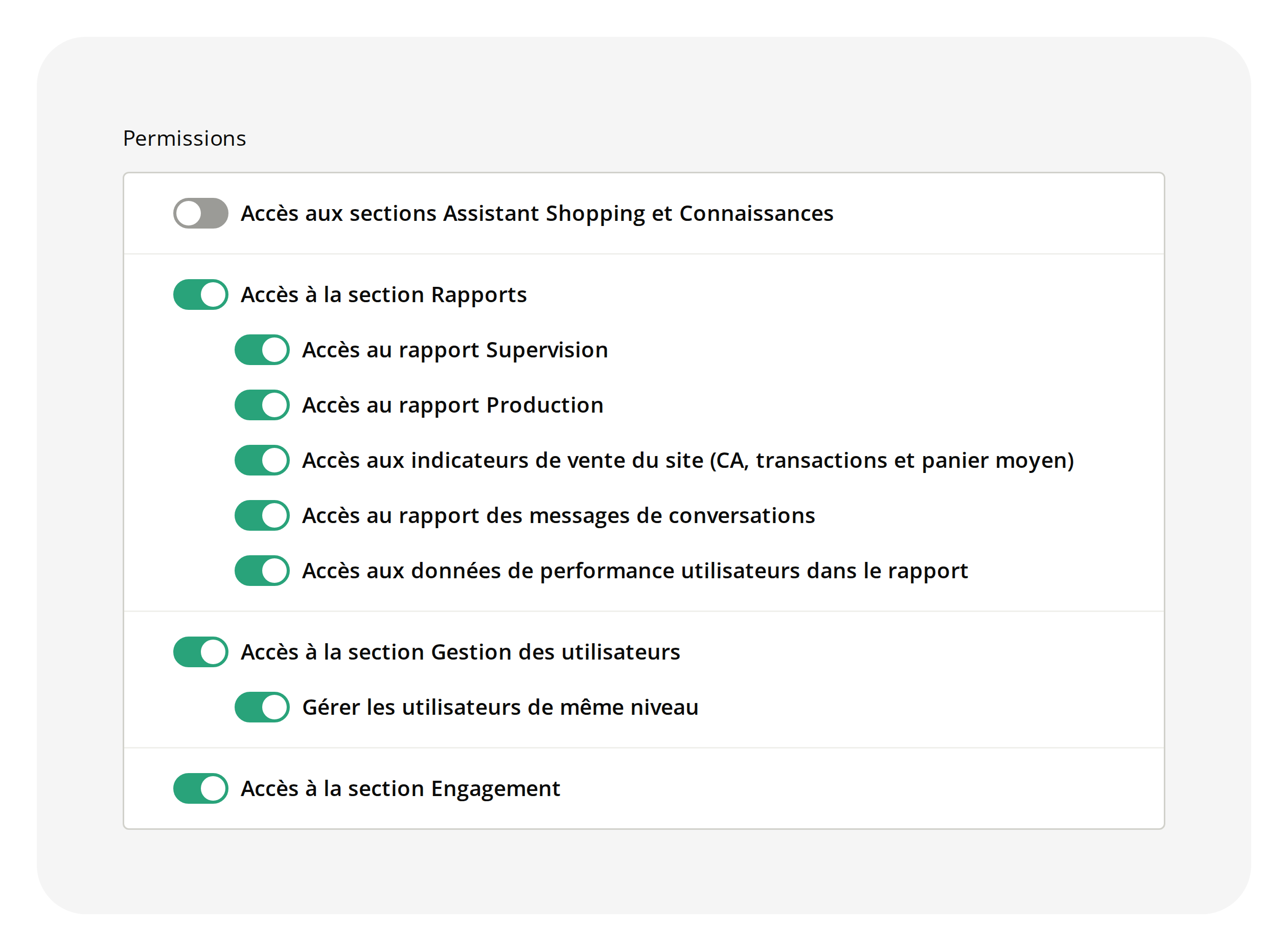
With a custom role, managers can access new actions
Custom roles, built on the Manager role, define which parts of the administration managers can access. The Engagement section, AI Shopping Assistant, Knowledge and the management…
 Learn more
5
2
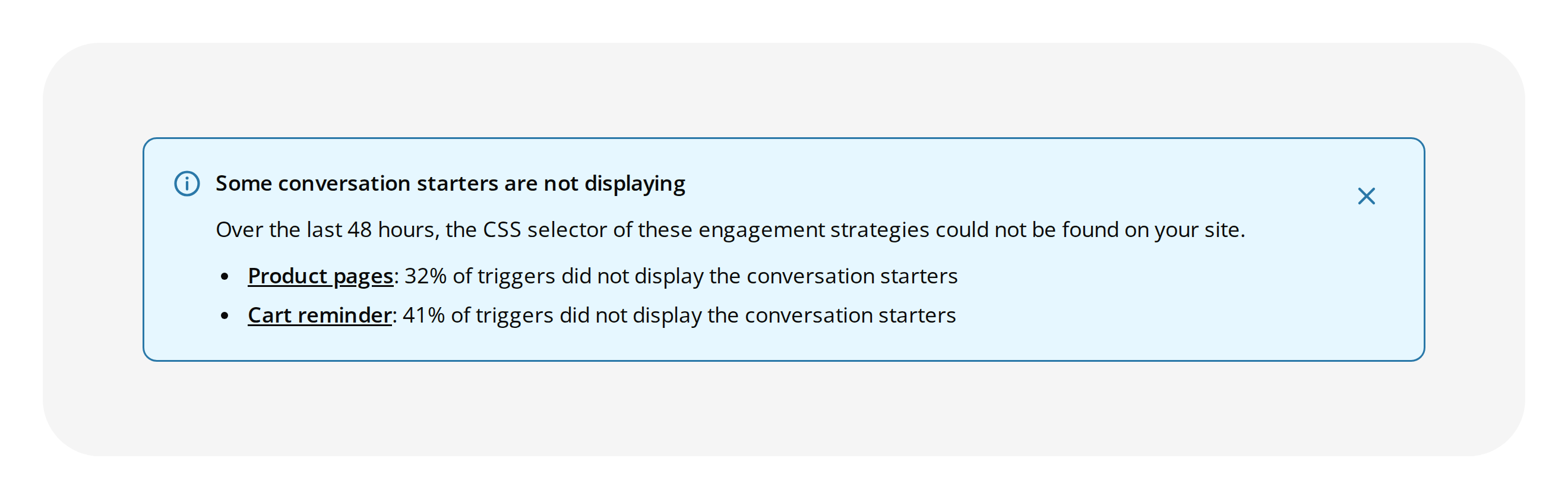
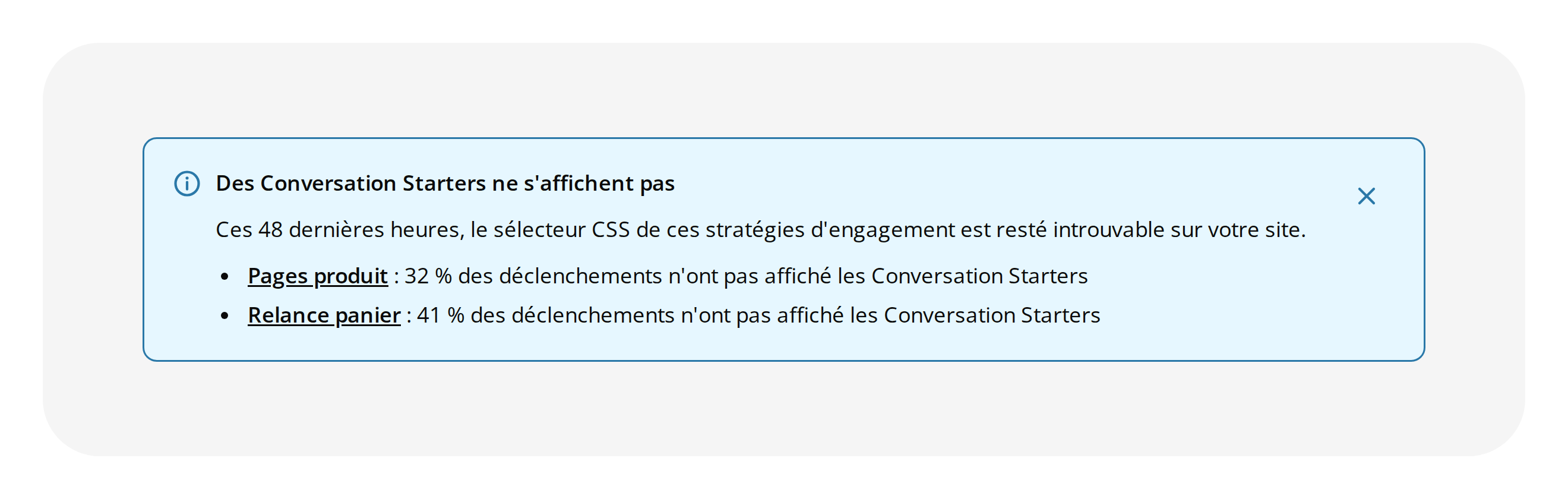
The "Some conversation starters are not displaying" alert names each strategy and its rate
The "Some conversation starters are not displaying" alert appears in the notification center of your administration when Starters trigger without showing on your site. It used to…
 Learn more
1
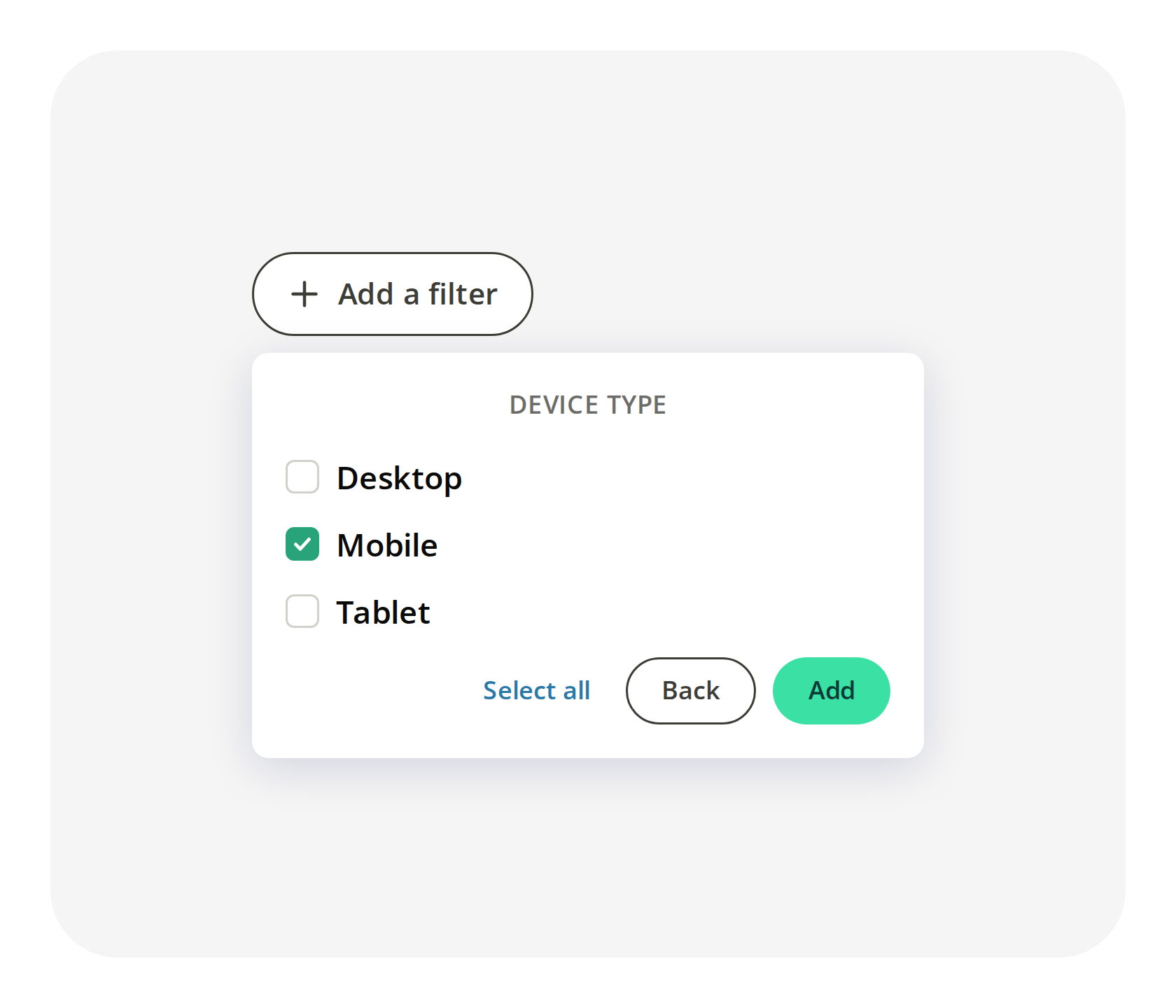
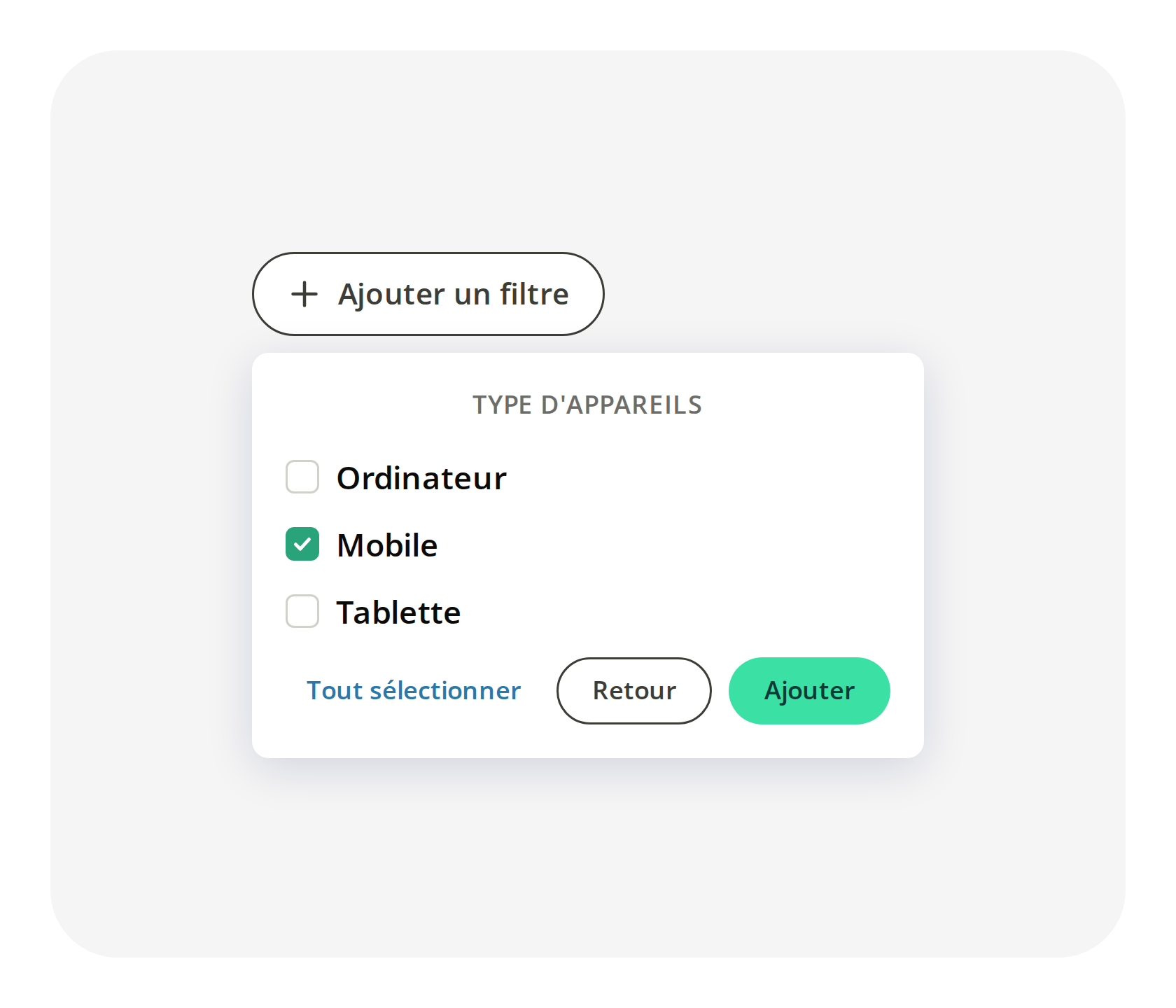
Isolate the sales made on desktop, mobile or tablet in your Sales report
The Sales report shows the orders and revenue that follow your conversations. It could not tell a sale that started in a conversation on a phone from one that started on a…
 Learn more
28
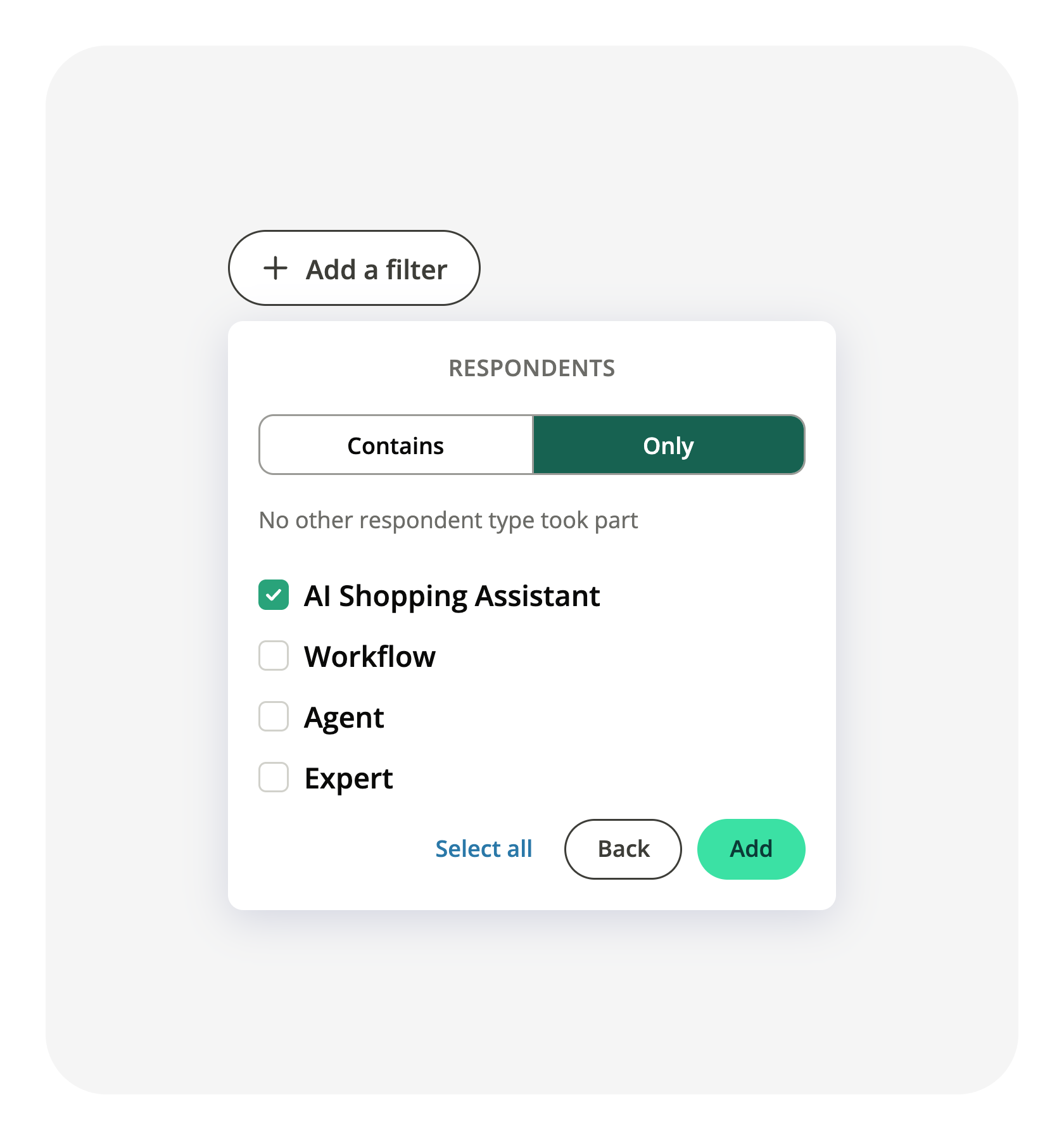
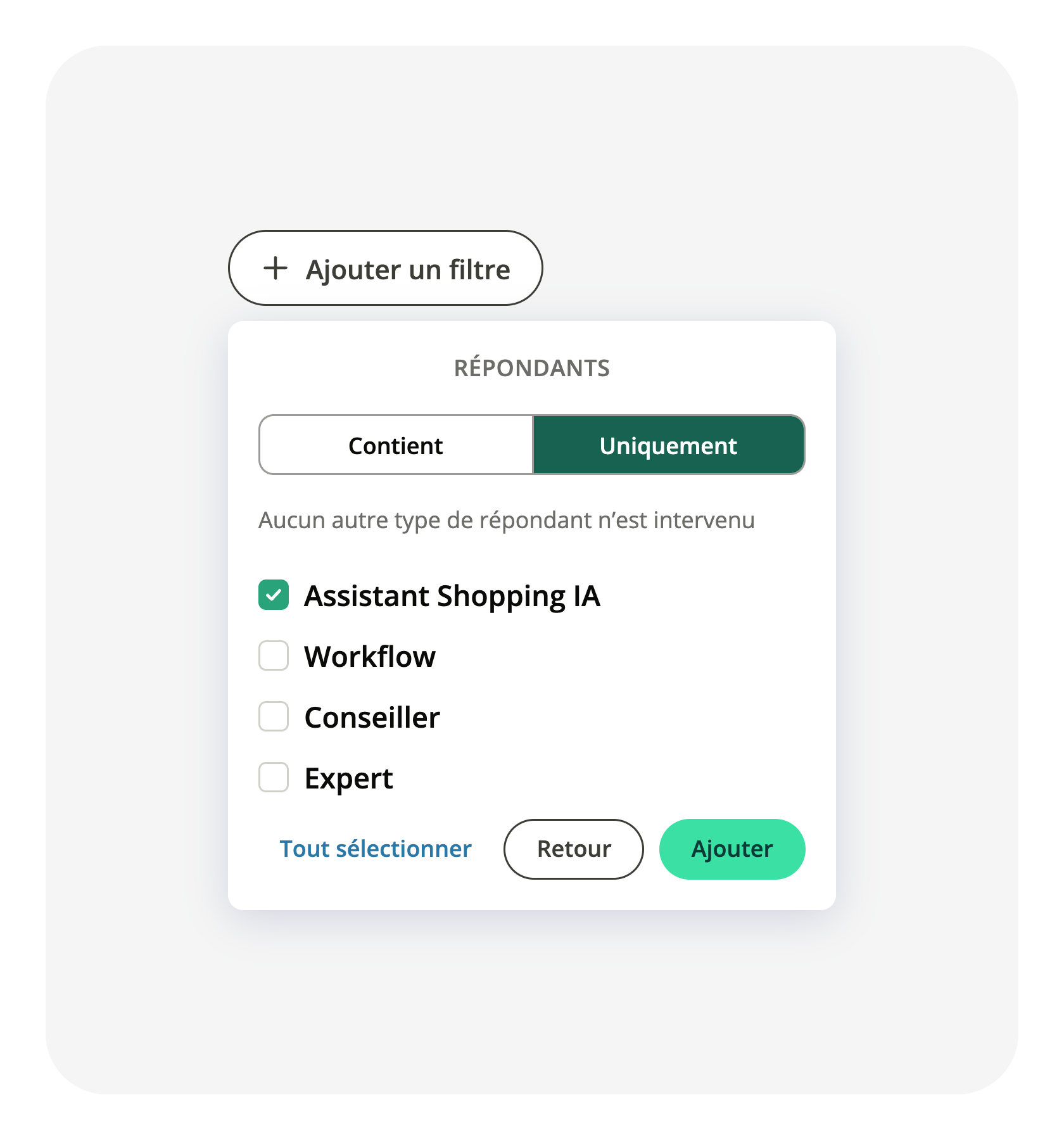
The Respondents filter of your Conversations report adds an Only mode
The Respondents filter of your Conversations report keeps every conversation where the respondents you picked took part. It said nothing about the others: a conversation your AI…
 Learn more
28
28
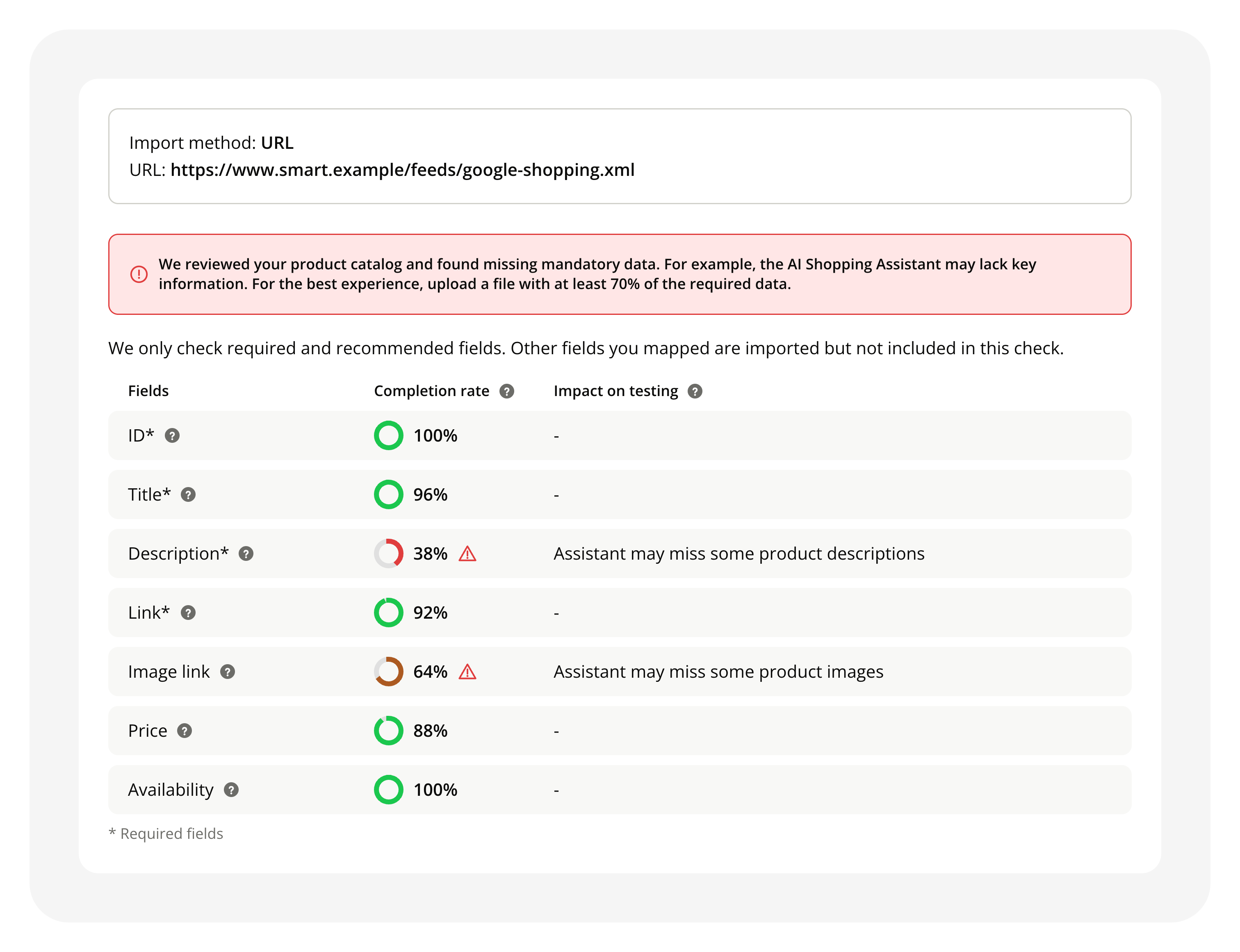
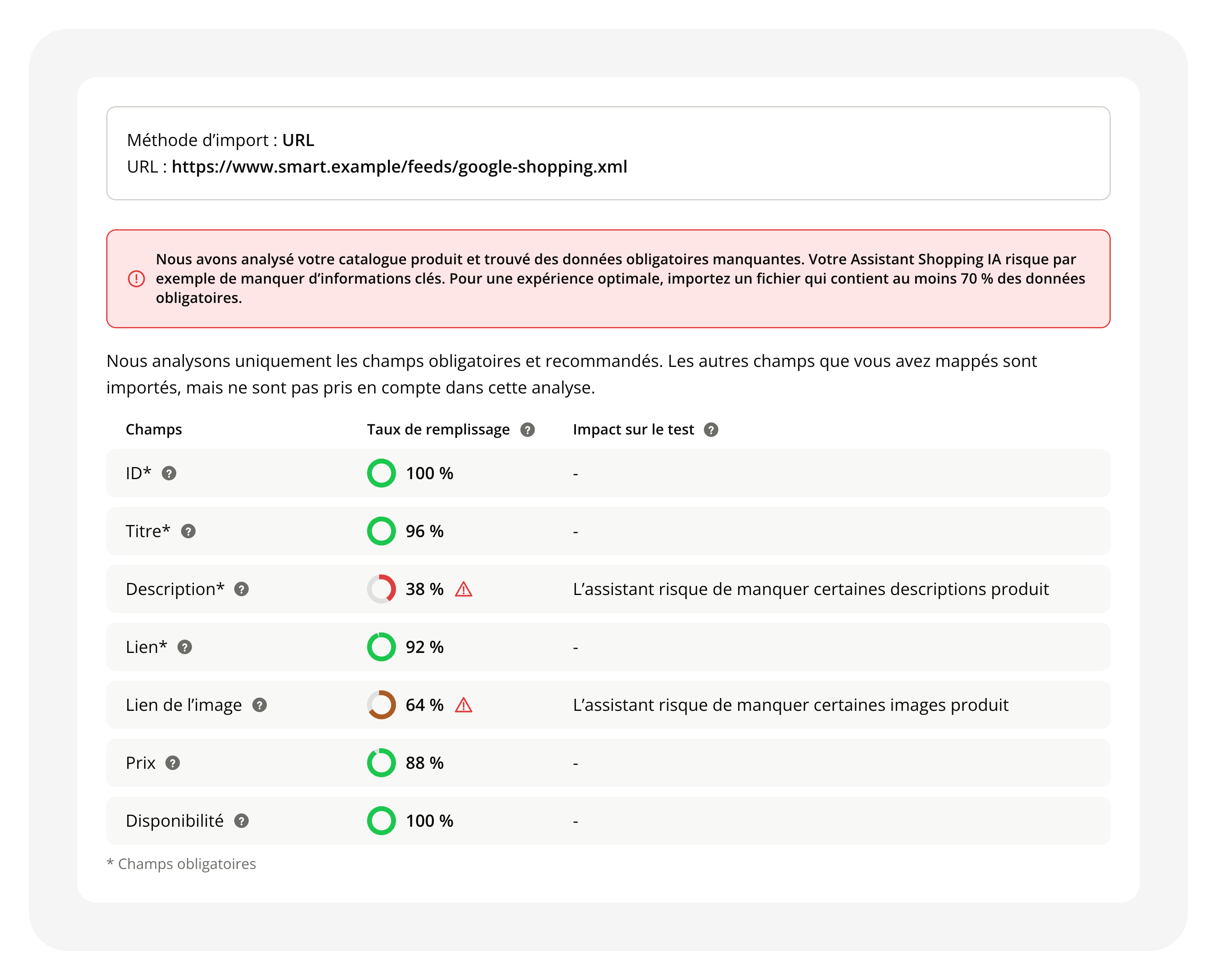
Check your product catalog quality when you import it
Your product catalog is the source your AI Shopping Assistant answers from when a shopper asks about a product. Until now, nothing told you whether the file you had just mapped was…
 Learn more
22
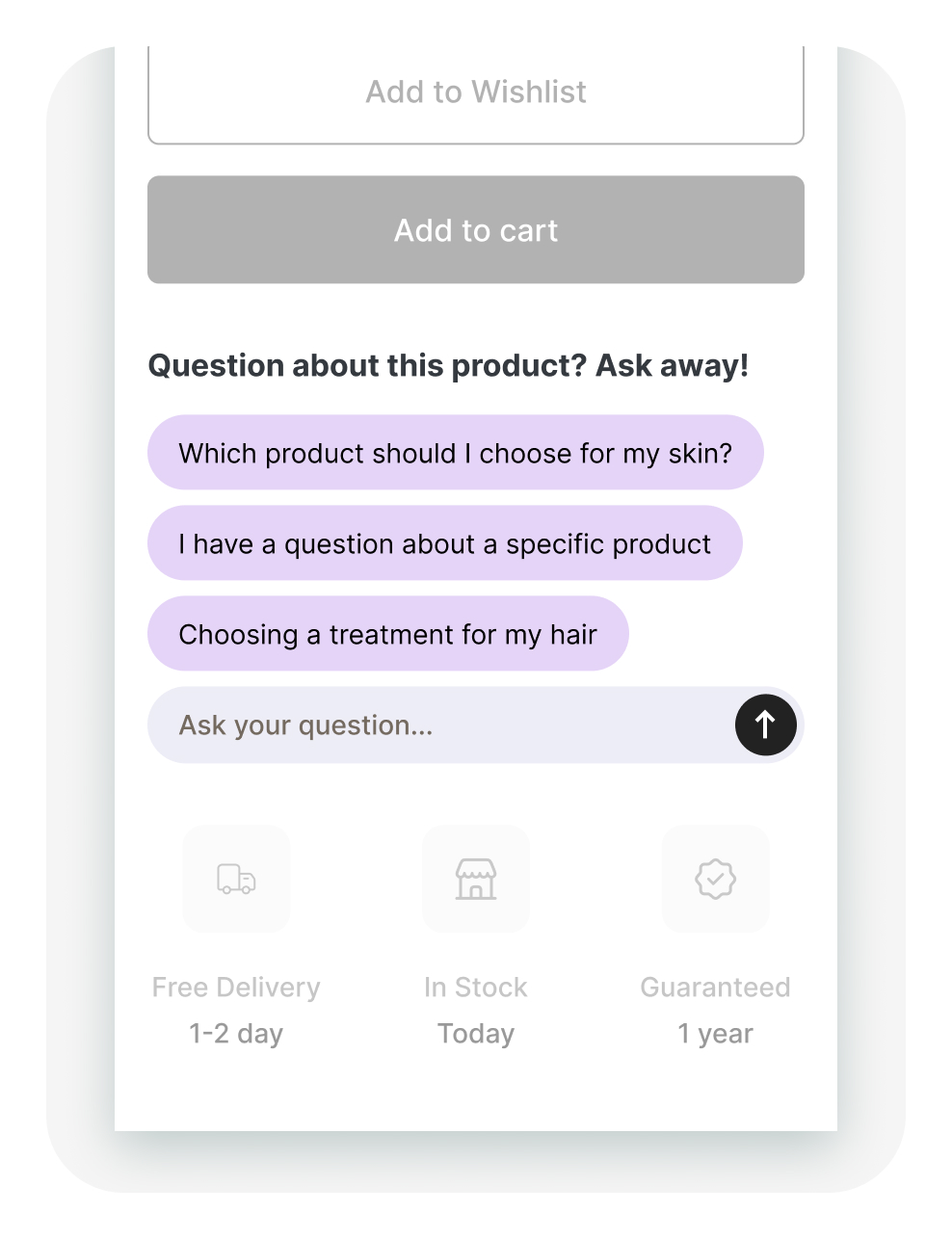
An input field replaces the "Ask a question" button on your integrated Starters
Integrated Starters appear on your pages and suggest questions to shoppers. To ask a different one, shoppers had to click an "Ask a question" button first, which opened the field…
 Learn more
21
Your AI Shopping Assistant remembers products discussed and suggested
Until now, the AI Shopping Assistant only knew the product on the page and the ones it had just recommended. A shopper returning to a product mentioned earlier in the conversation…
Learn more21
Screen readers now skip the emojis in your conversations
Shoppers who follow the conversation with a screen reader heard every emoji read out under its full technical name, enough to lose the thread of a message. Emojis are now hidden…
Learn more21
14
Your Shopping Panel now works with a keyboard and a screen reader
The Shopping Panel and the classic chatbox are where your shoppers talk to your Assistant. Parts of them could not be used without a mouse: links with no visible focus, fields…
Learn more14
Your Conversation Starters are generated from your catalog
Conversation Starters are the questions suggested on your pages to open a conversation. They were written from the text read on the page itself, so a page showing an old price or…
Learn more14
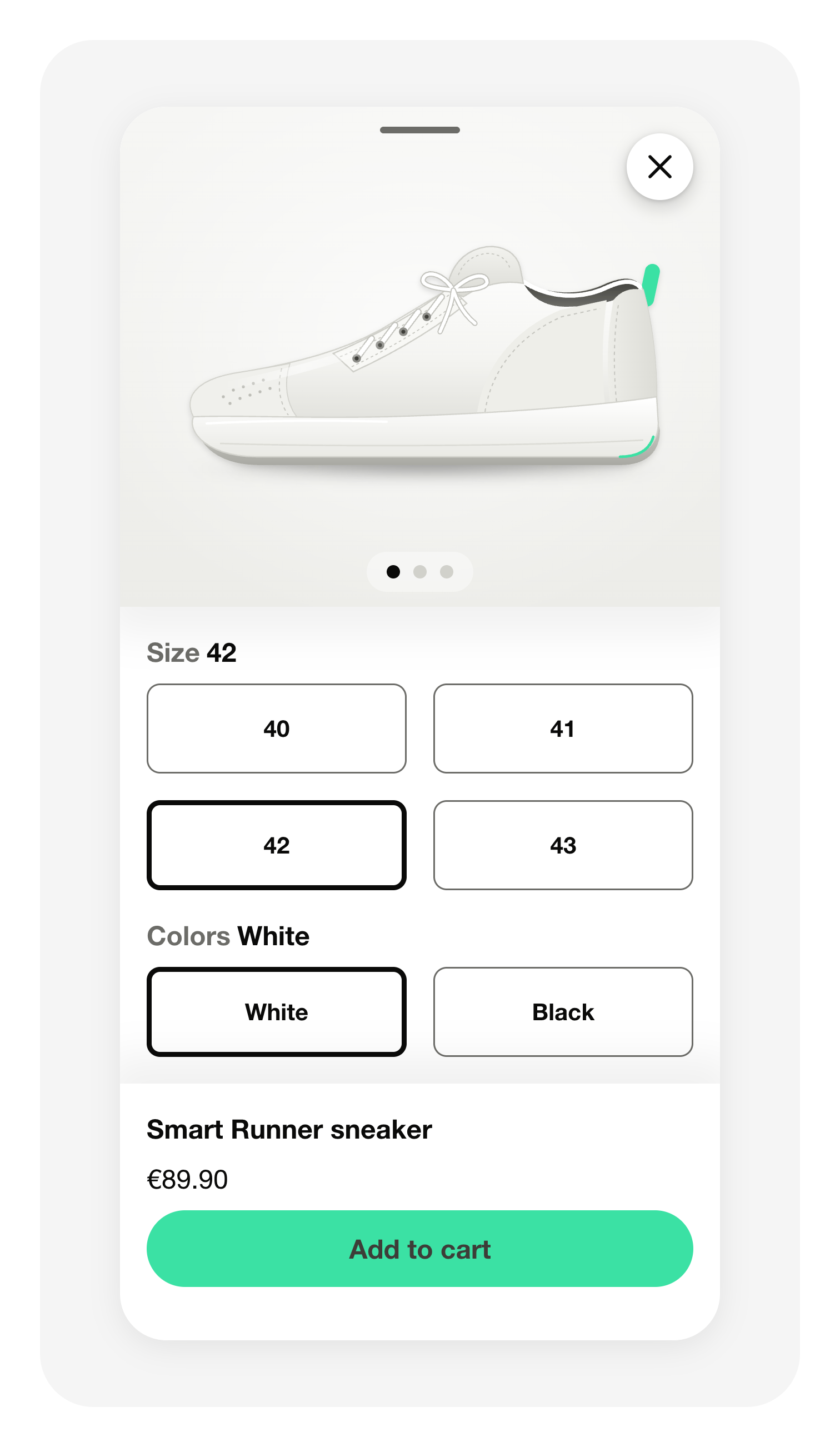
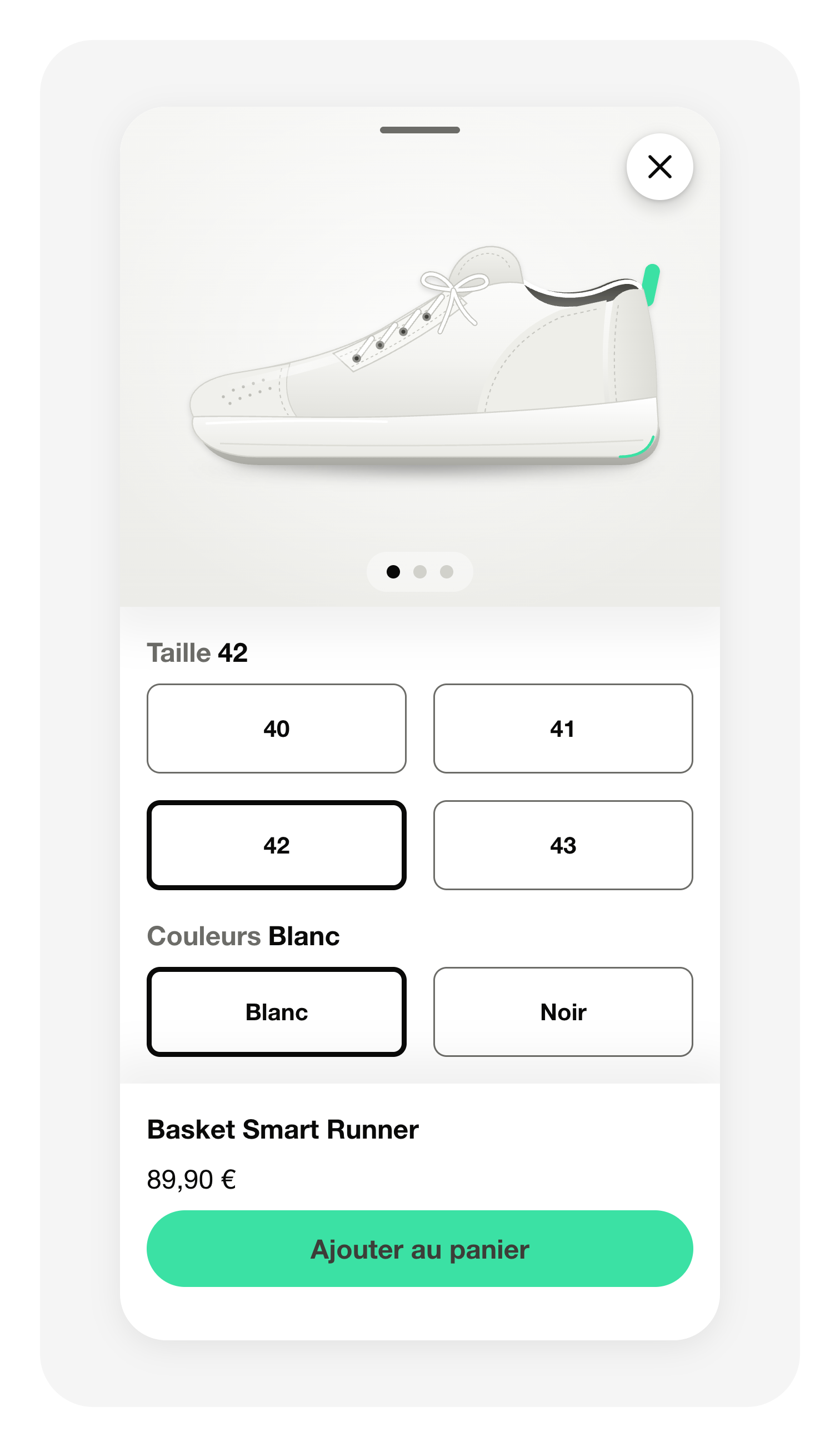
Your shoppers add a product to the cart from your app
The Assistant already recommends products inside a conversation. In your mobile app, a shopper still had to leave that conversation to buy one. Tapping Add to cart now hands the…
 Learn more
14
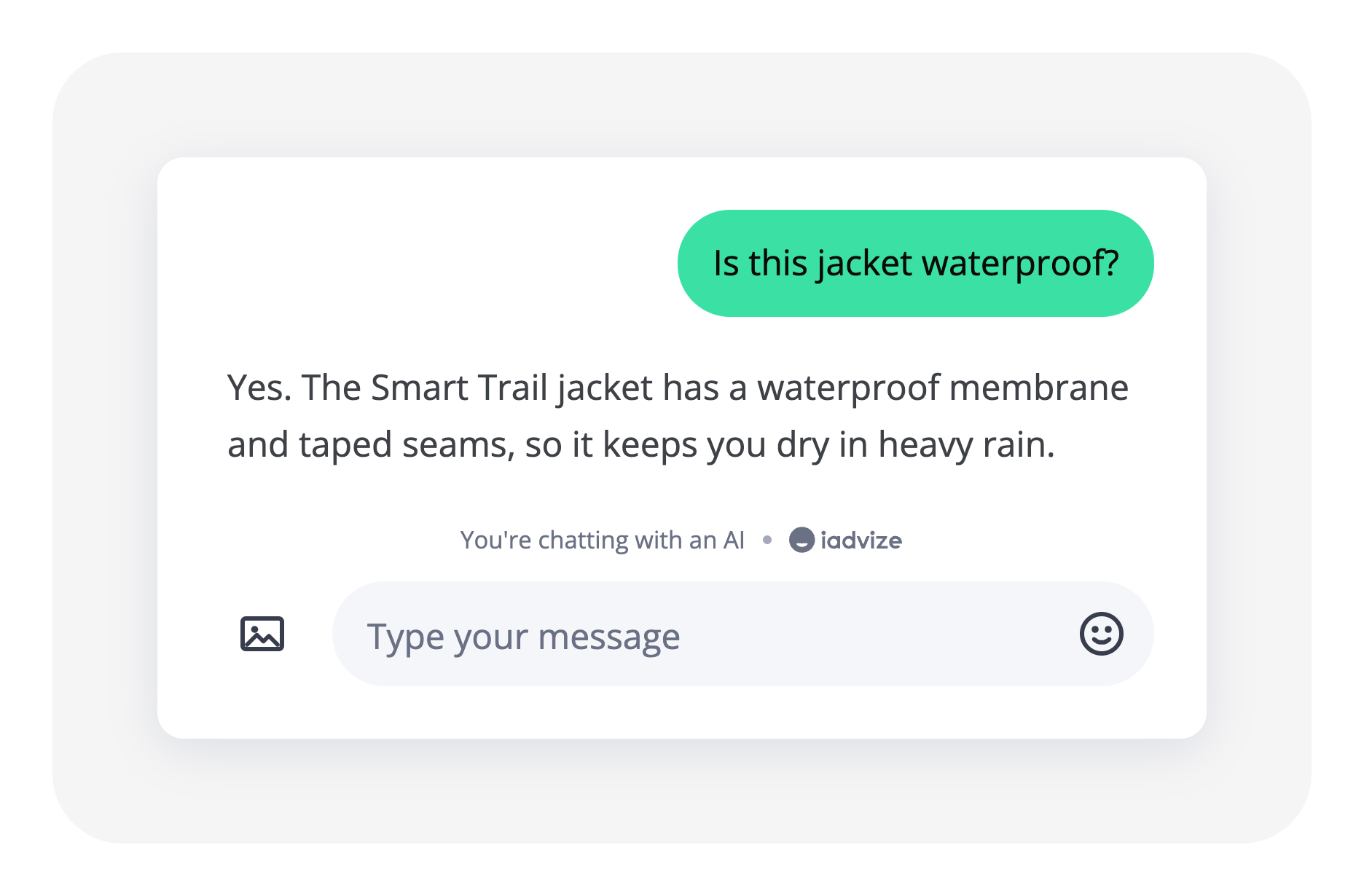
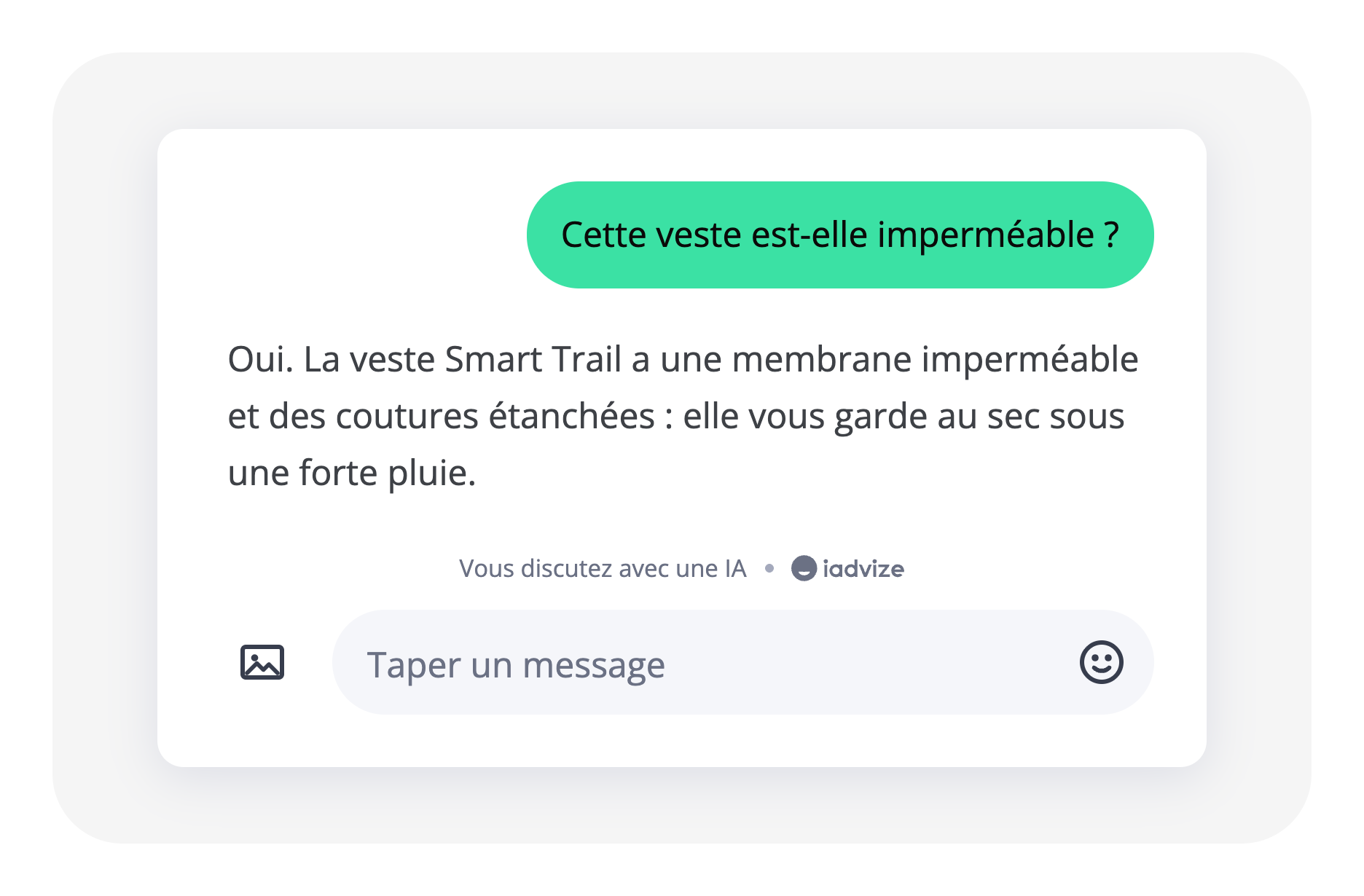
Shoppers see when an AI is answering them
The AI Act asks you to tell a shopper when an AI is answering. Nothing in the conversation said so. The Shopping Panel and the classic chatbox now carry "You're chatting with an…
 Learn more
14
14
Follow-Up and Closing Improvements for Product Info
Two changes shipped for the Product Info use case, both aimed at cutting dead ends in the assistant's conversations. Graceful closing. The assistant now caps itself at two targeted…
Learn more14
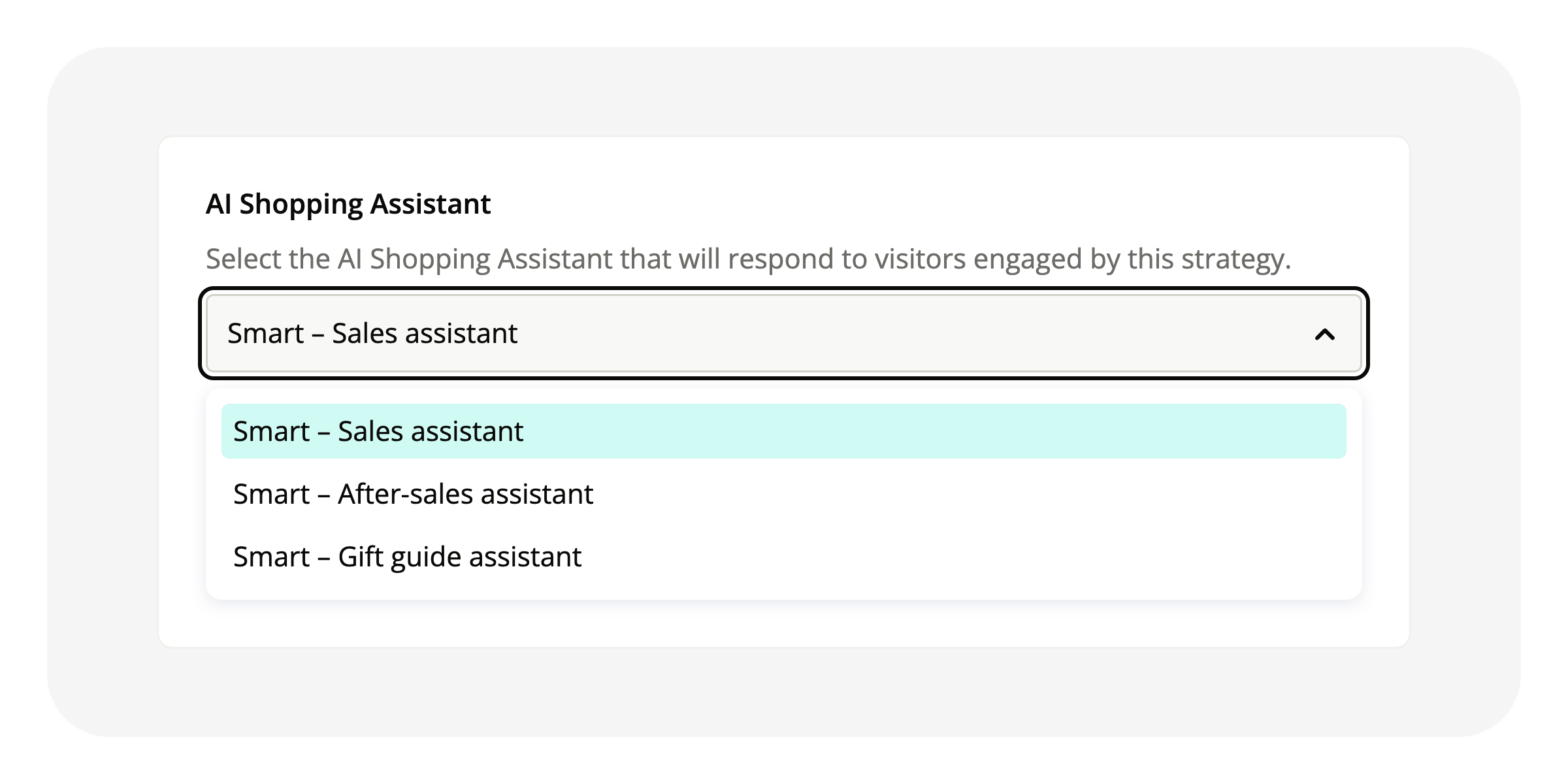
Create multiple AI Shopping Assistants on the same project (Admin V2)
Until now, a project supported only one AI Shopping Assistant (Admin V2), the one from its initial setup. You can now create several from the admin, and each engagement strategy…
 Learn more
14
Apple Messages for Business: iOS 27 rule changes
With iOS 27, Apple tightens its rules on Messages for Business. Content that breaks them is not delivered: the card or the image never arrives, and nothing says why. Your messages…
Learn more7
AI Suggest is now using the same agentic architecture as the AI Assistant
In the Support Desk, the replies suggested to your agents now come from the same AI agentic architecture that answers your shoppers. It answers the question directly, searches your…
Learn more6
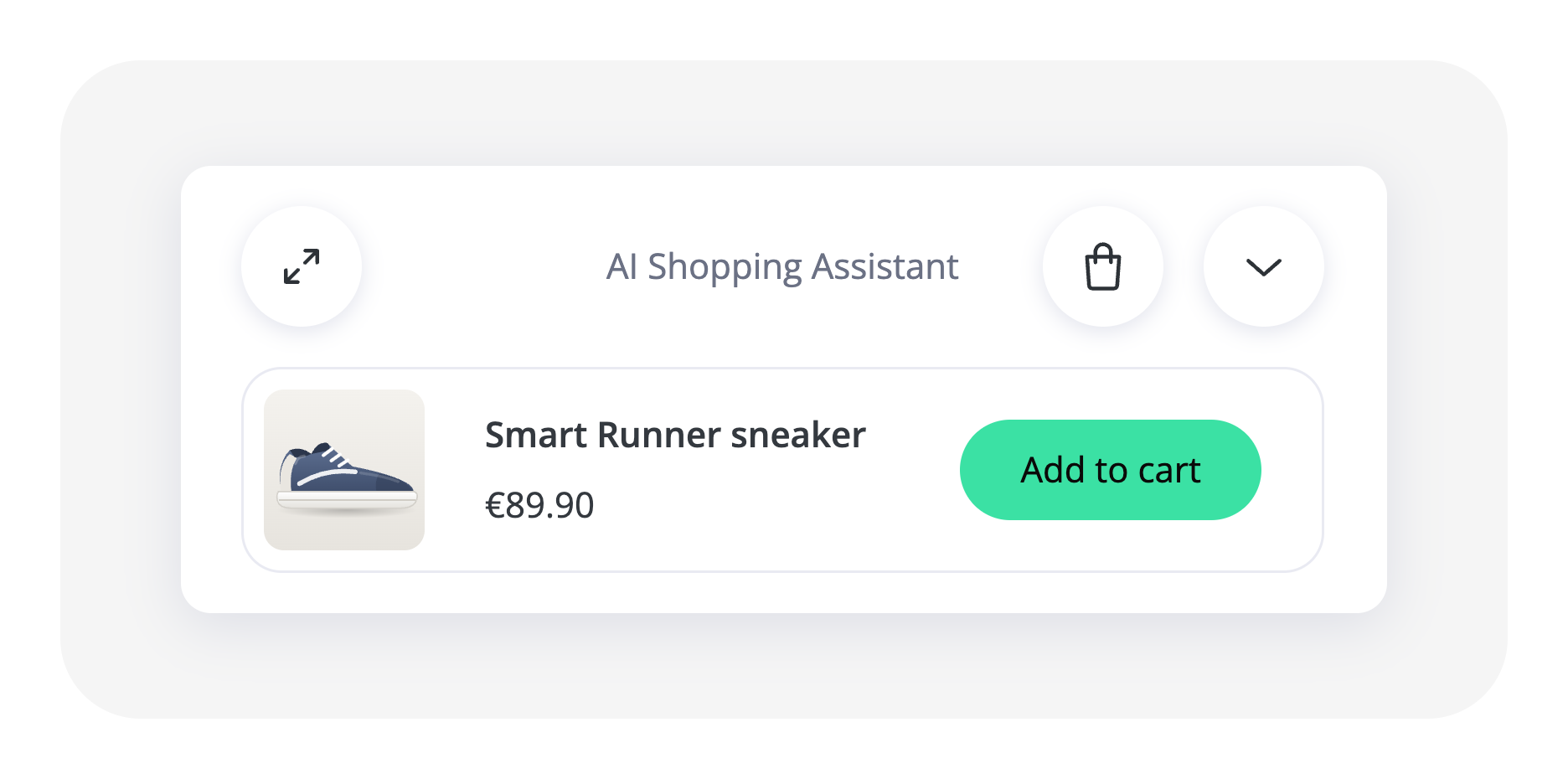
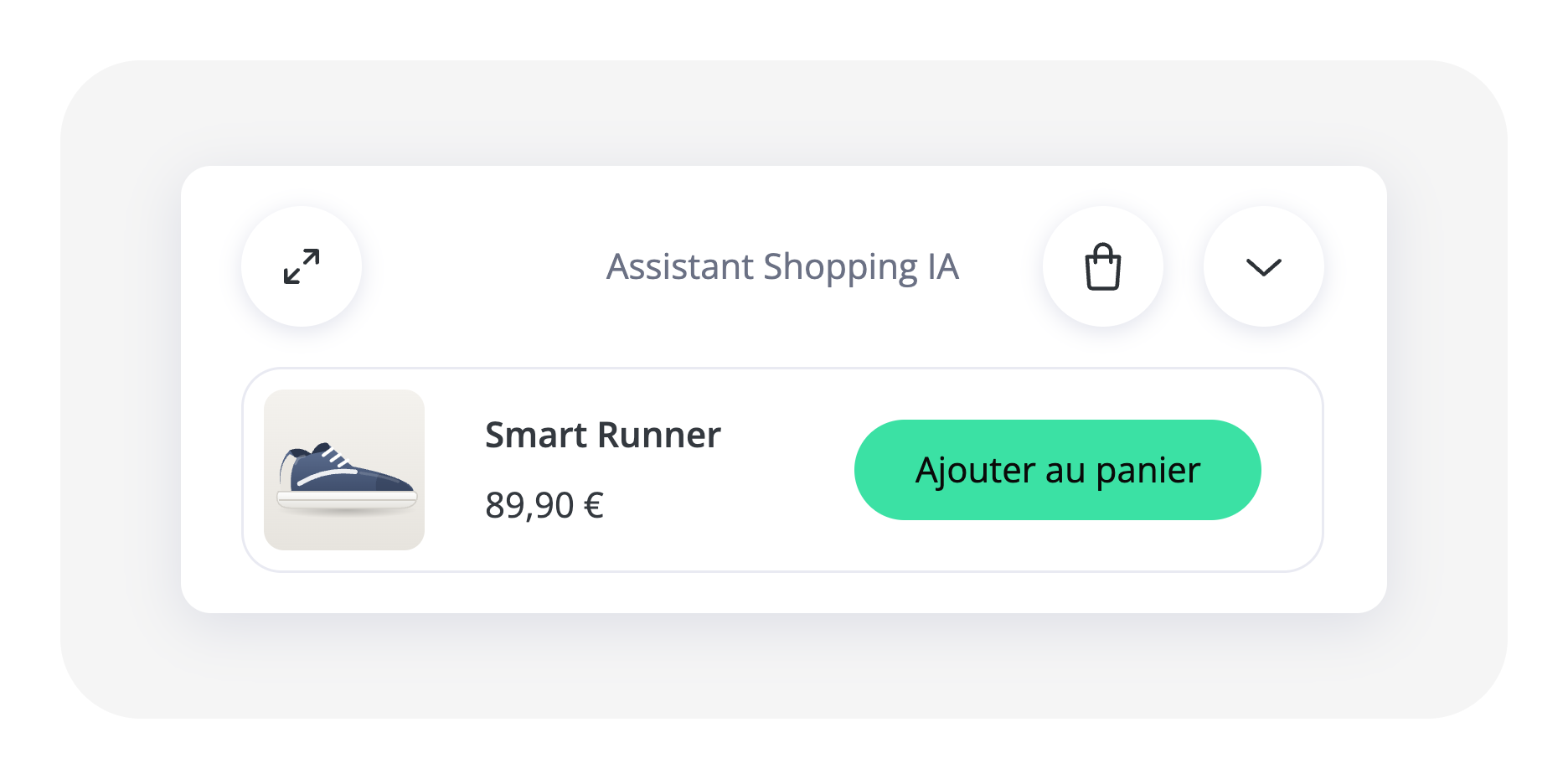
Your shoppers can now reach their cart directly from the Shopping Panel
A cart button now sits in the Shopping Panel header, beside the reduce button on desktop and in the opposite corner on mobile. It opens the cart in a new tab, so the conversation…
 Learn more
6
3
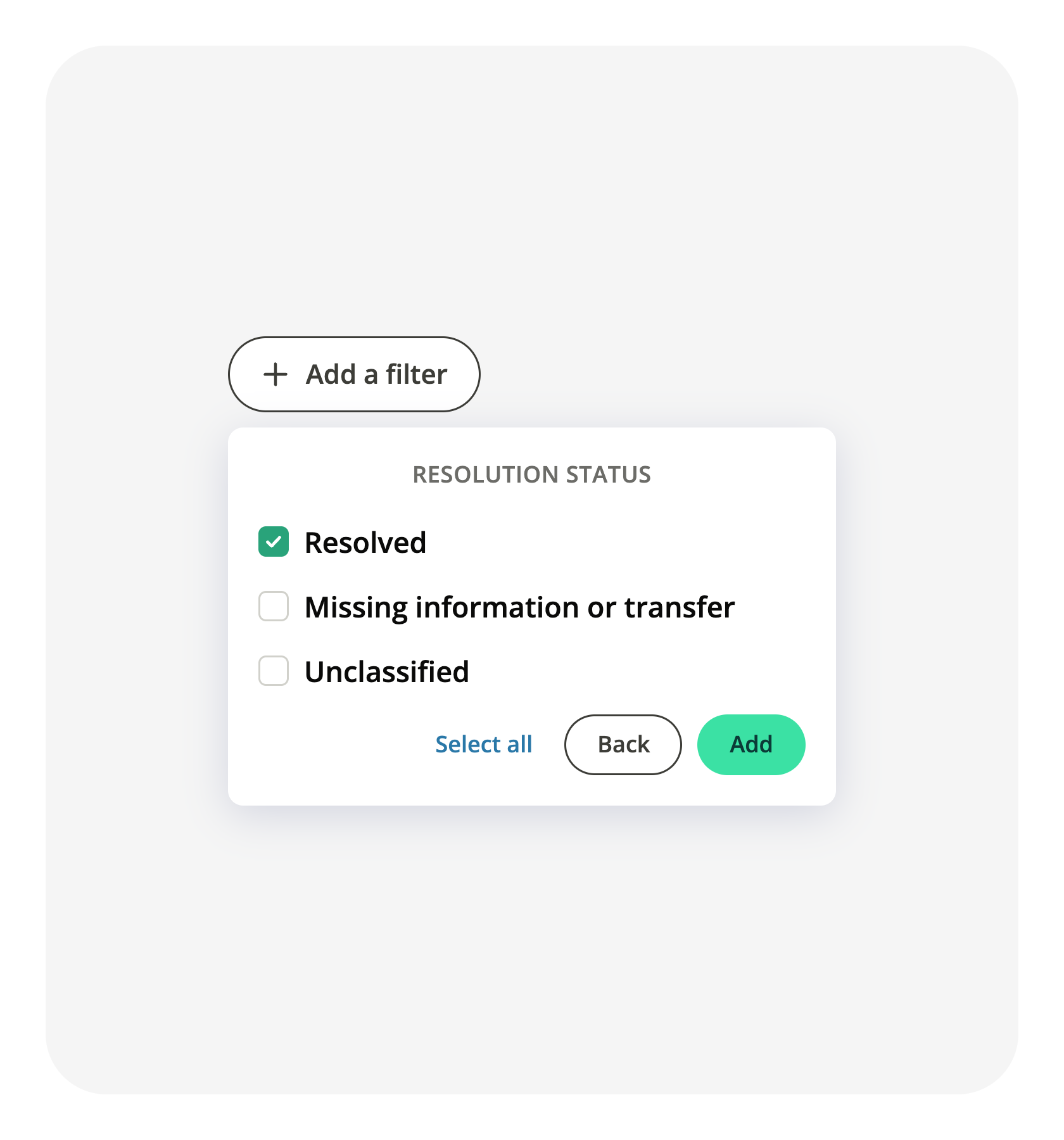
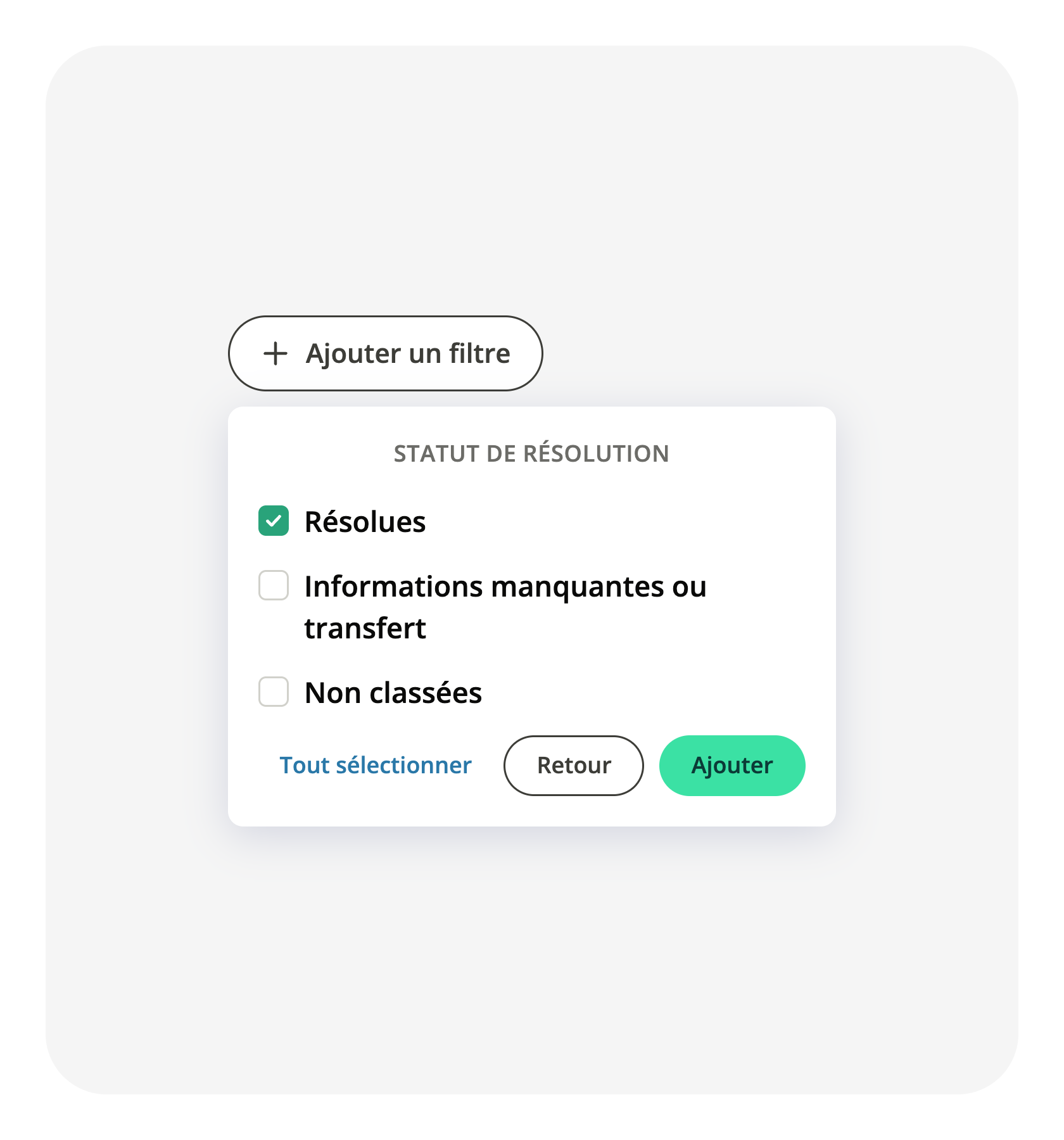
Filter conversations by resolution status in your exports and API
The conversation report tells you how each conversation ended: resolved, unresolved, or not classified yet, and whether it was a pre-sale or a post-sale exchange. Both readings…
 Learn more
21
19
Faster, smoother navigation in the admin
Switching between sections in the admin is now instant: the page no longer reloads with each navigation. When the window narrows, entries that no longer fit are grouped into a More…
Learn more18
Your shoppers can open a conversation with the assistant by sending an image
The AI Shopping Assistant already read the images sent inside a conversation: a shopper could photograph a product and get an answer about it once the exchange had started. Opening…
Learn more16
13
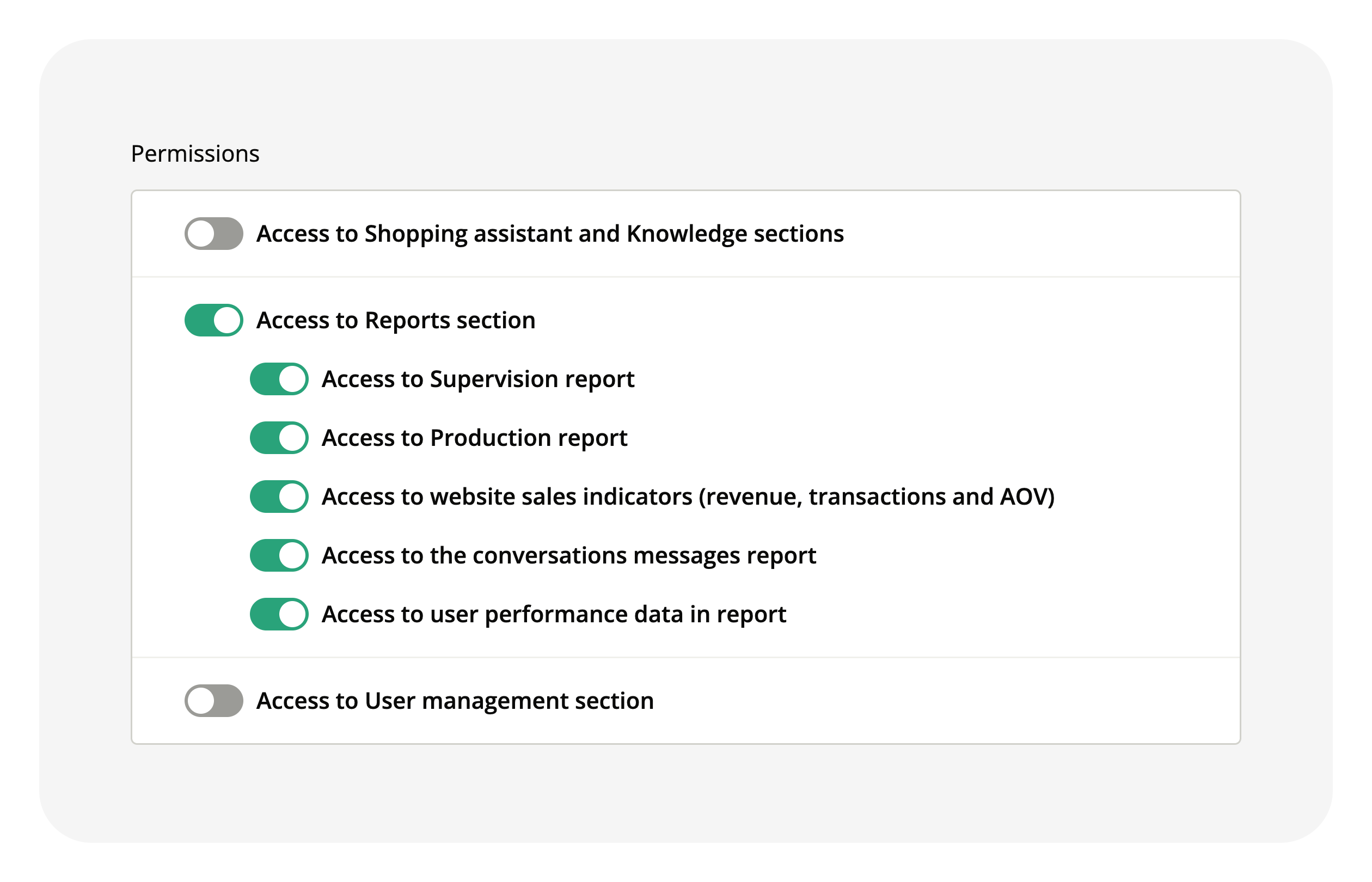
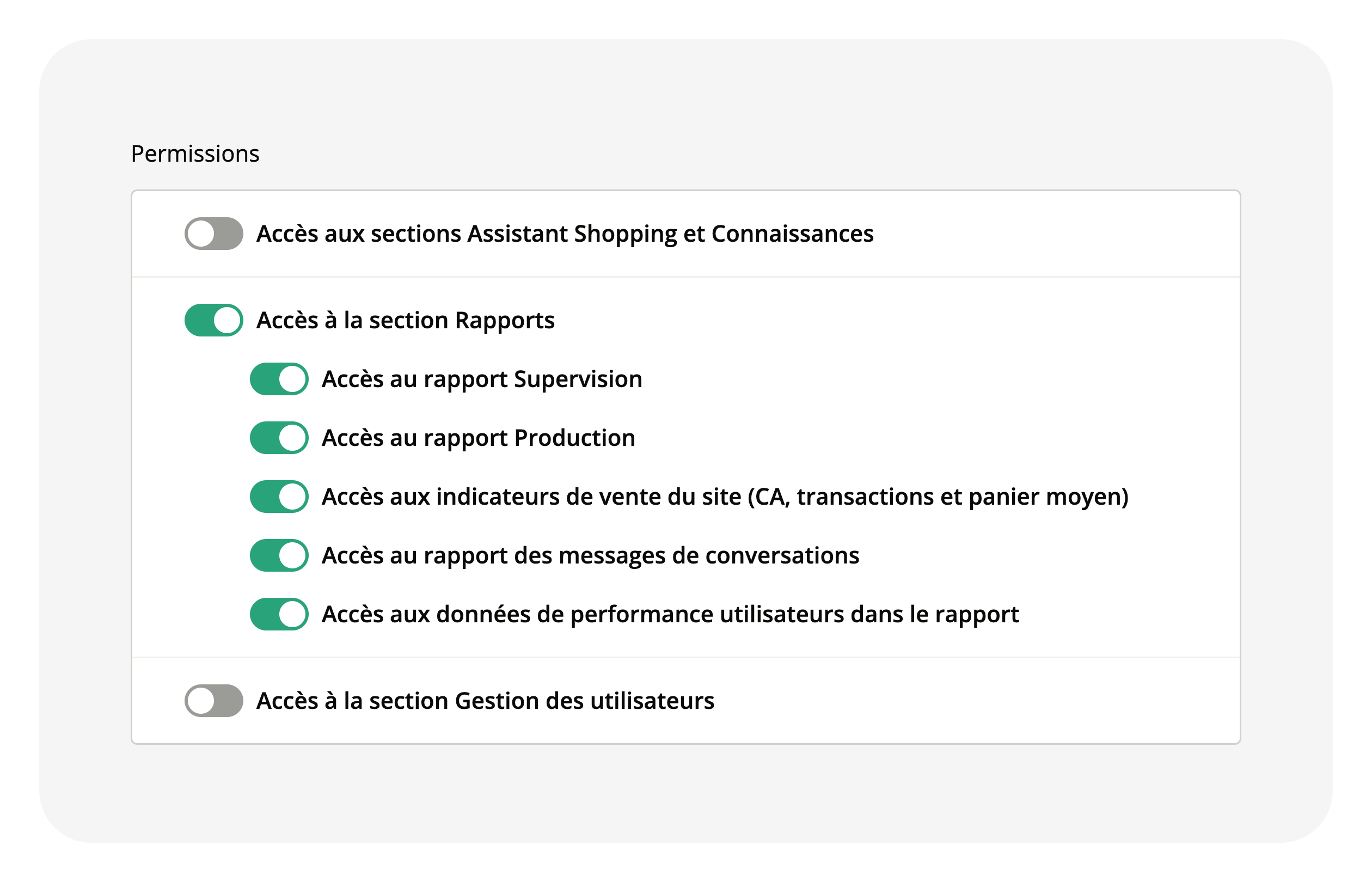
Grant a permission and its sub-permissions in one click
Custom roles let you grant extra permissions to project members. The permissions list used to look flat and mixed several different concepts together, and each one had to be…
 Learn more
11
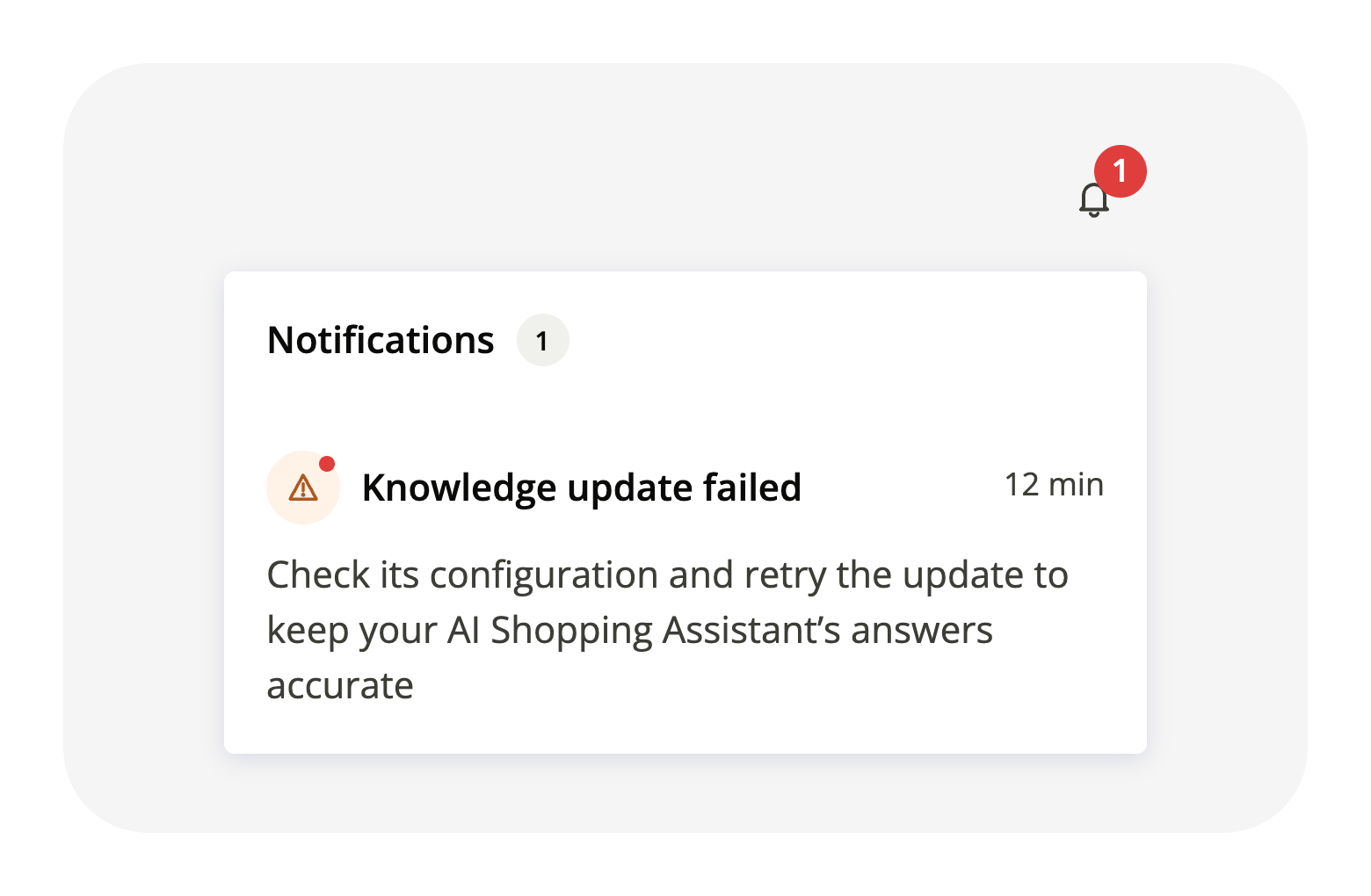
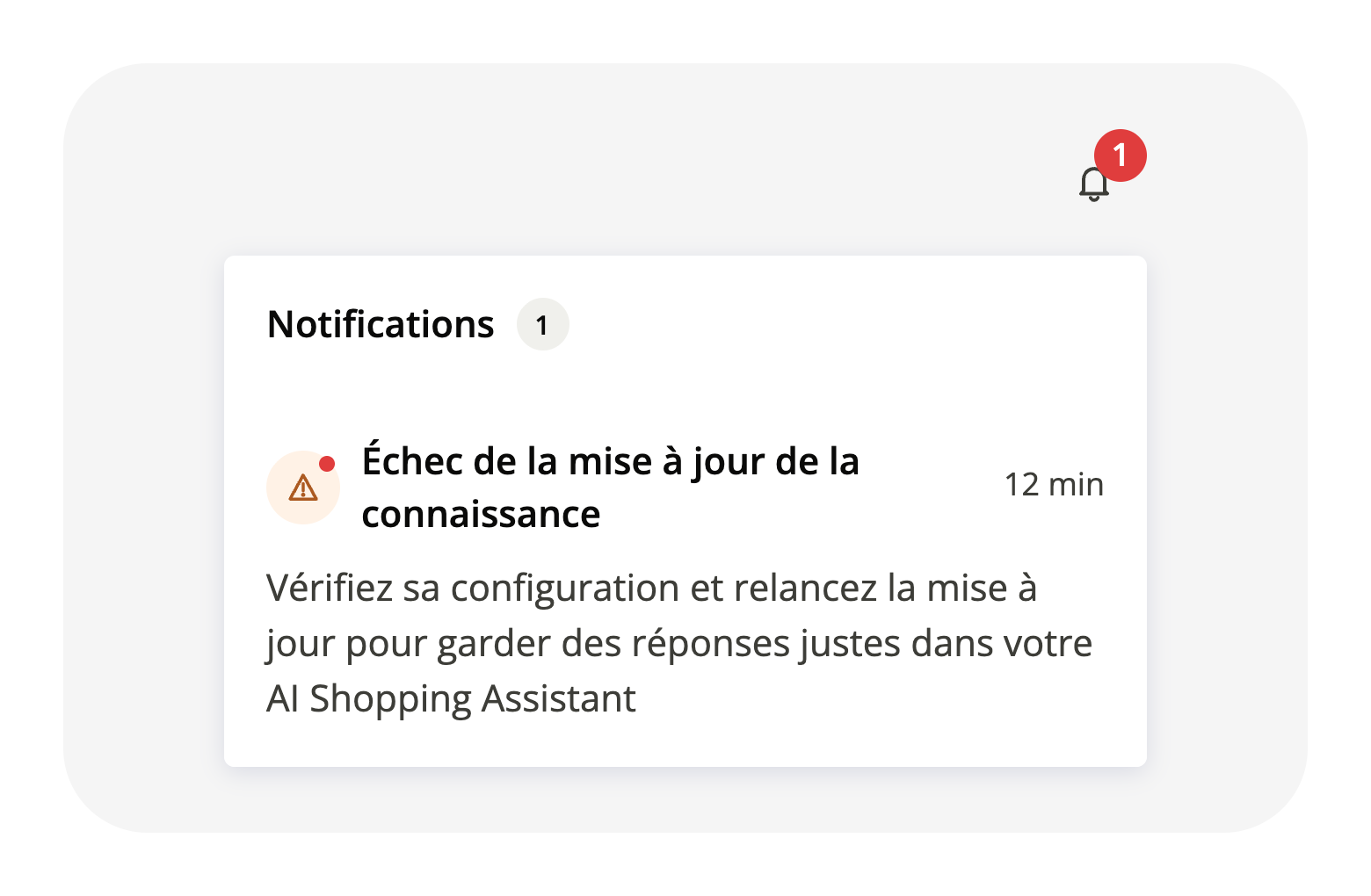
Get alerted about errors on a knowledge source
When the content of a knowledge source stops updating, you get an immediate alert pointing to the source list so you can fix the issue. Only one alert per source, no daily…
 Learn more
11
Admin Layout Simplified
Admin pages now follow a cleaner, more consistent design. We removed redundant subtitles and table sub-headers, moving search and filters into the main page header row. The result…
Learn more31
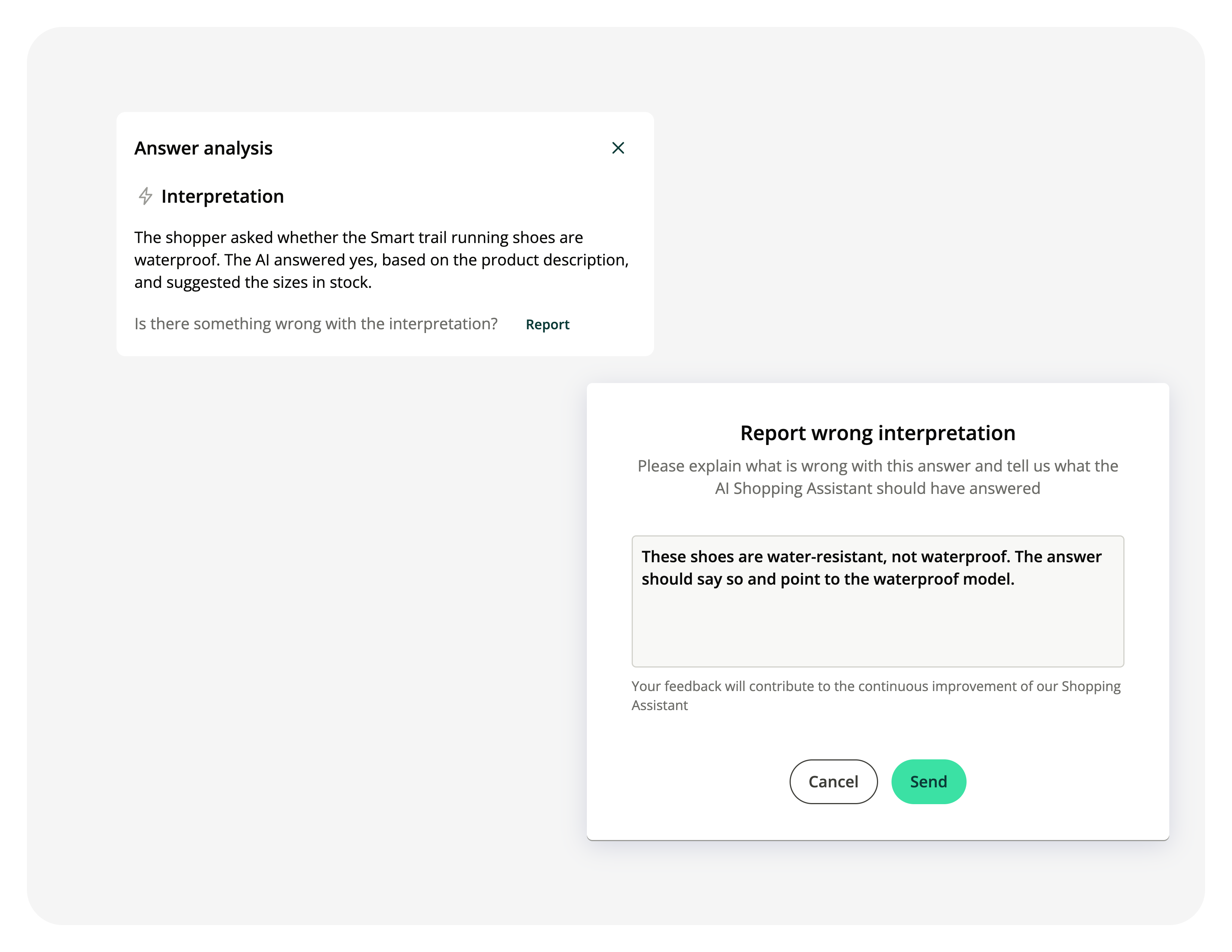
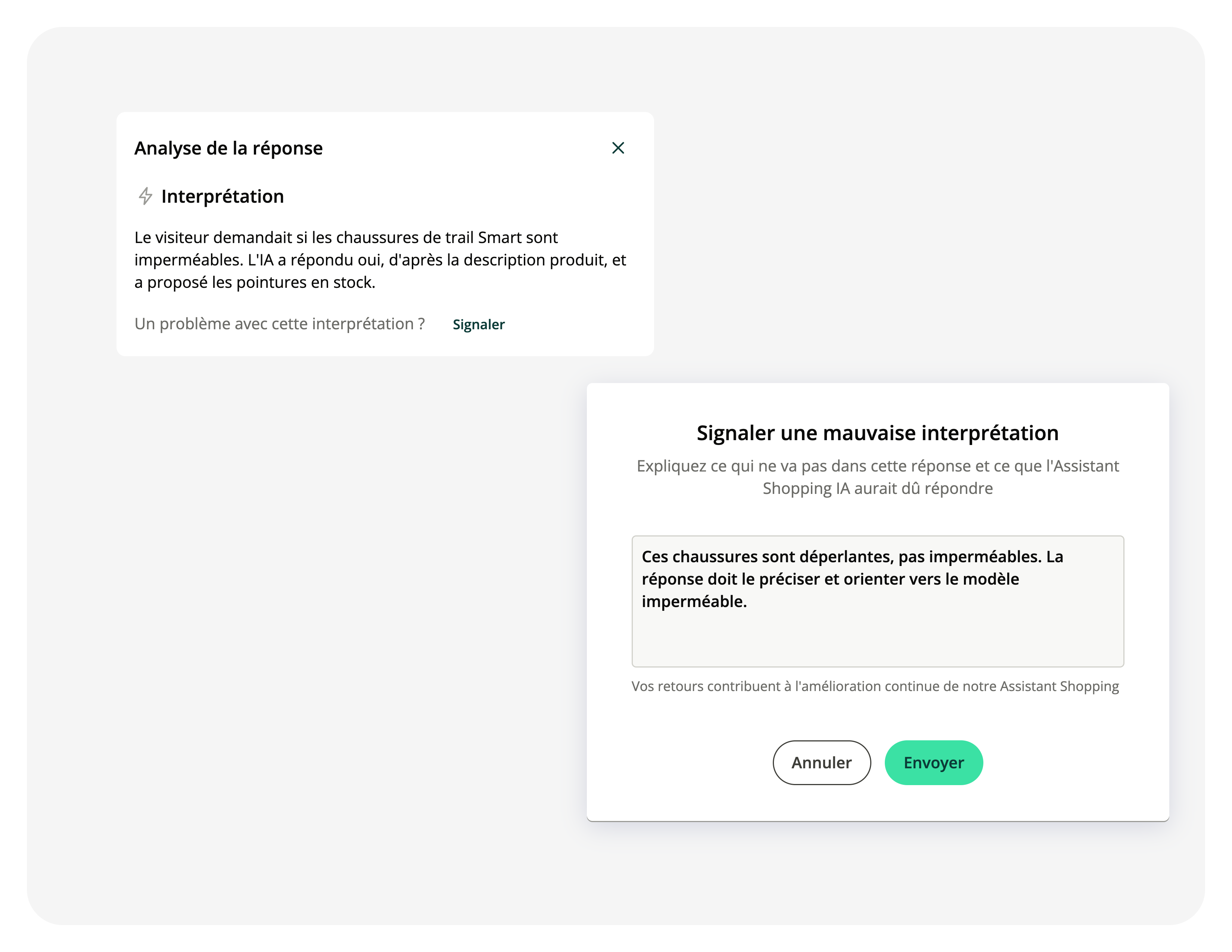
Report a bad answer from your Assistant in one click
In the Conversations report, you can open any AI Shopping Assistant response and see how it was built. When the answer was wrong or off topic, there was no way to flag it from…
 Learn more
31
31
Measure your pre-sale performance separately from support
The Overview report mixes everything shoppers come for, buying questions and after-sales requests, in the same KPIs. The pre-sale / post-sale filter now applies to the whole…
Learn more31
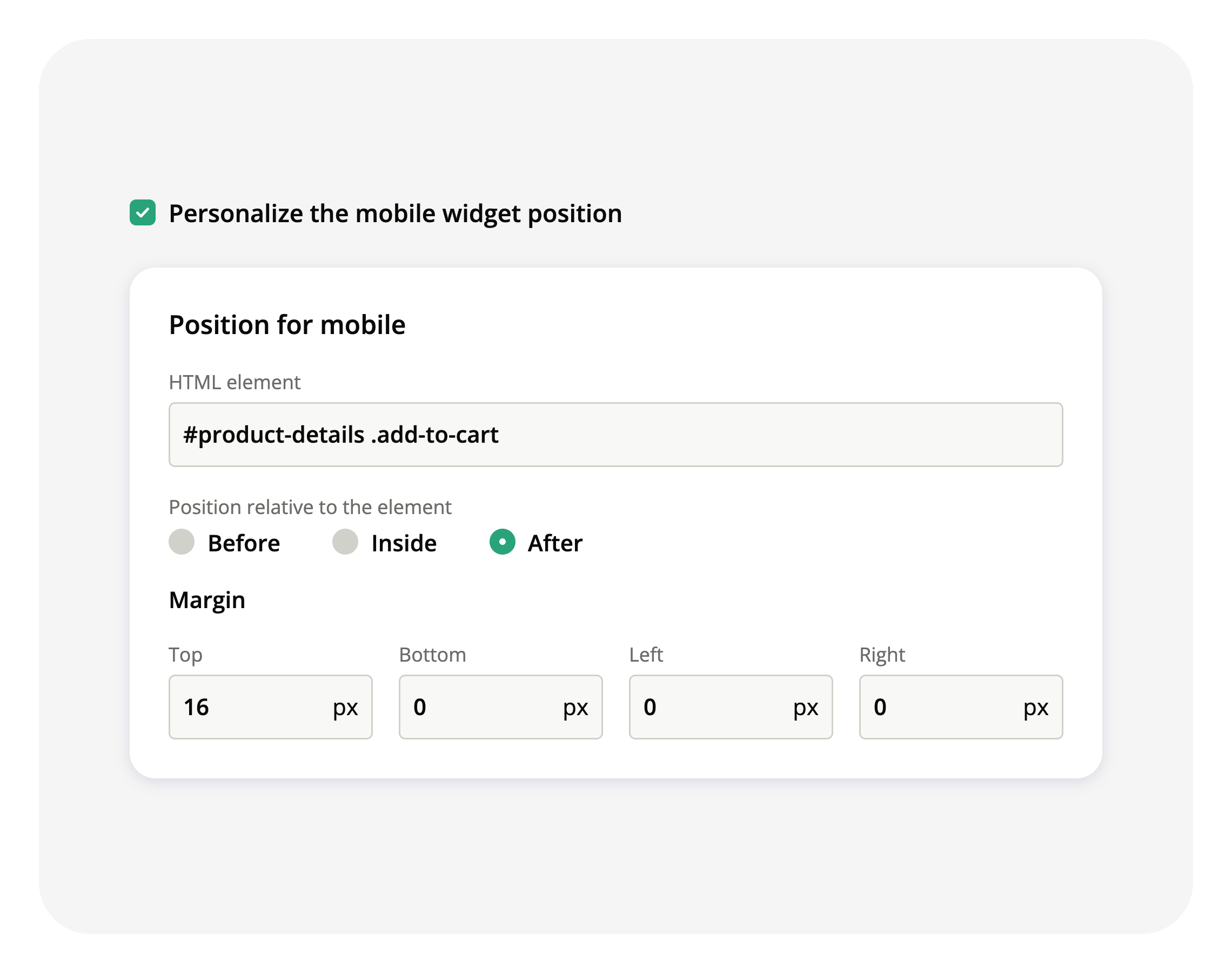
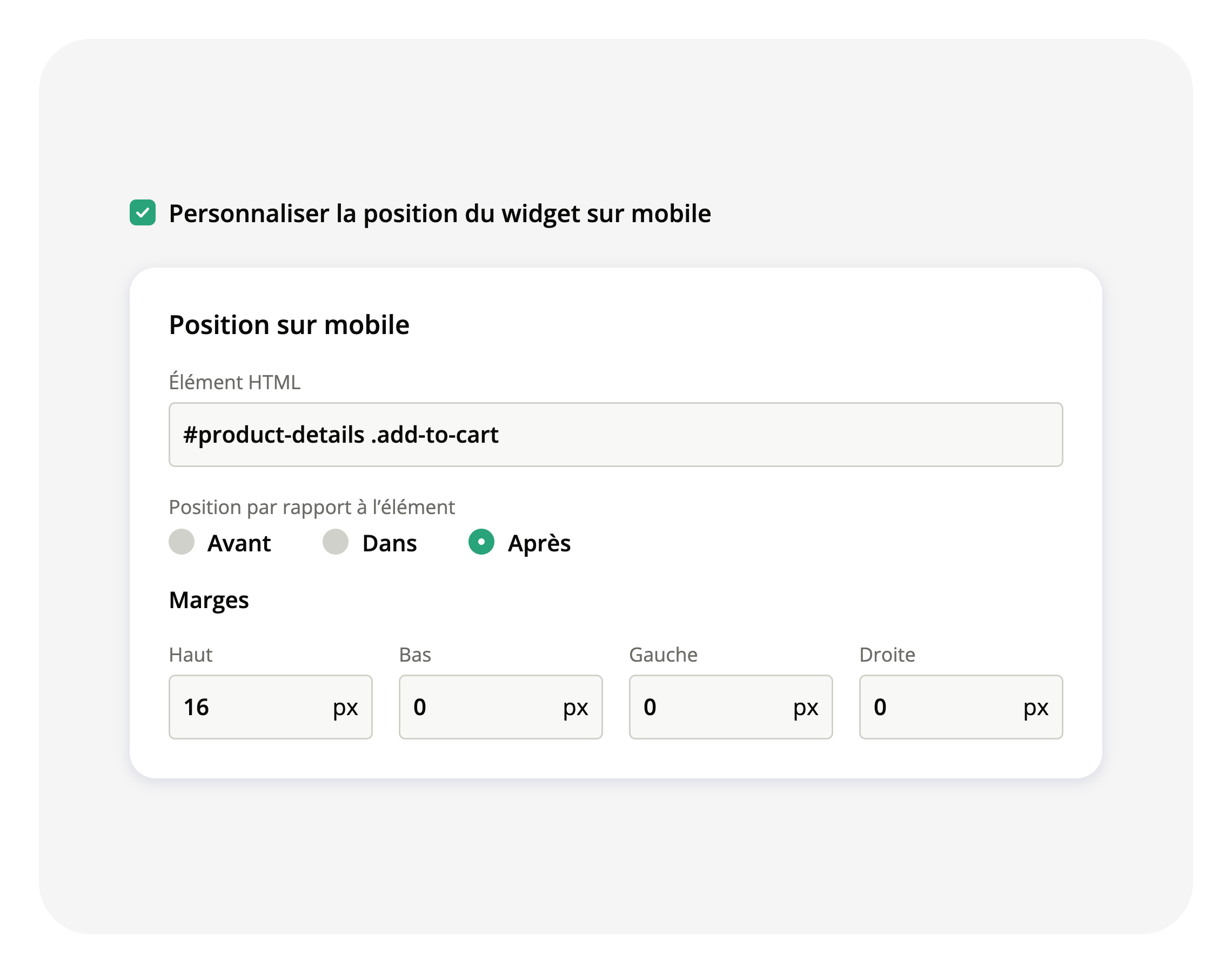
Place your Starters where you want them on mobile
An engagement strategy targeting Desktop & Mobile used one position for both, so a widget placed well on a desktop page could land in the wrong spot on a phone. You can now set a…
 Learn more
30
Show several embedded Starters on the same page
Until now, a page could carry only one embedded Starter: when two engagement rules targeted the same page, one of them stayed hidden. Two rules can now show their Starters on the…
Learn more27
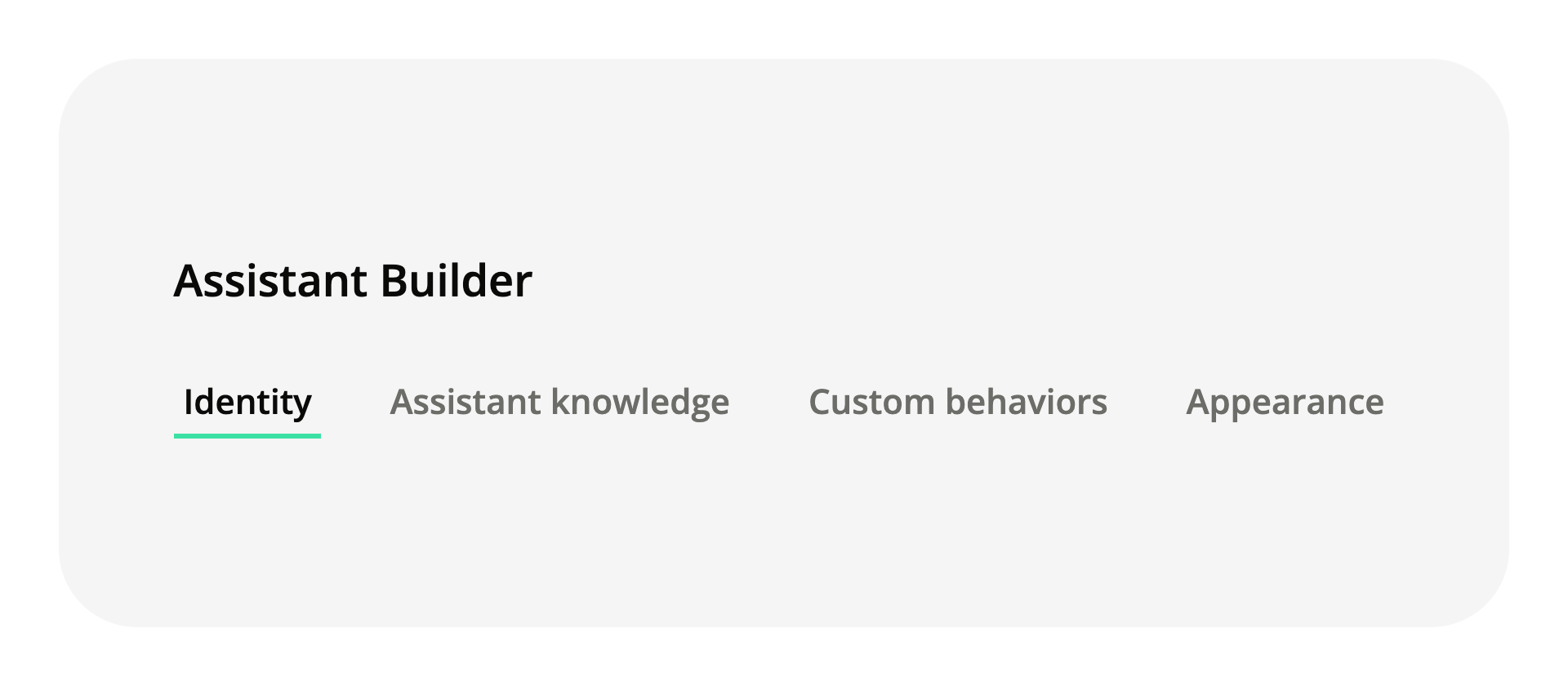
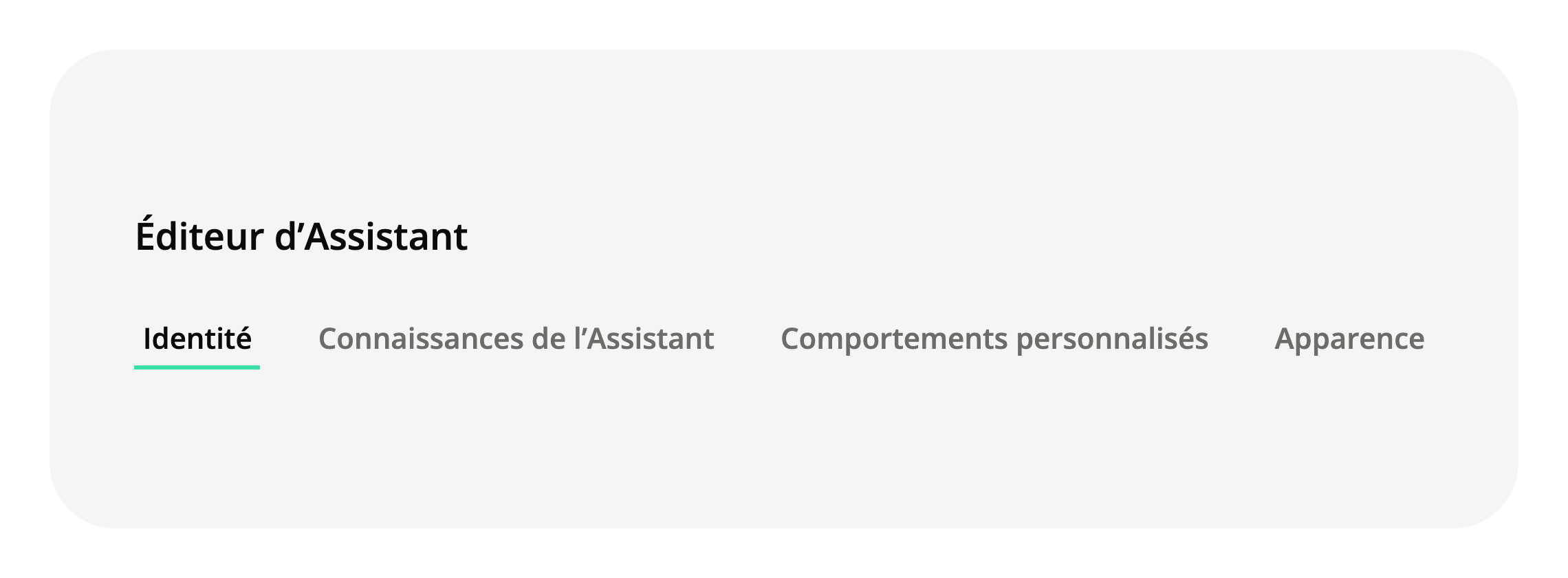
Find your Assistant settings faster
The Assistant Builder is where you define your AI Shopping Assistant: who it is, what it knows, how it behaves, how it looks. All of it sat on one long page with a vertical…
 Learn more
24
Your Starters only appear where the Assistant can actually answer
Embedded Starters put suggested questions straight on your product pages. Until now they showed on every page targeted by the rule, including products missing from your Product…
Learn more12
7
The AI Shopping Assistant answers about 2 seconds faster
The AI Shopping Assistant answers about 2 seconds faster when the shopper's question carries no figure, such as a budget or a dimension. Questions that do carry one are handled as…
Learn more5
4
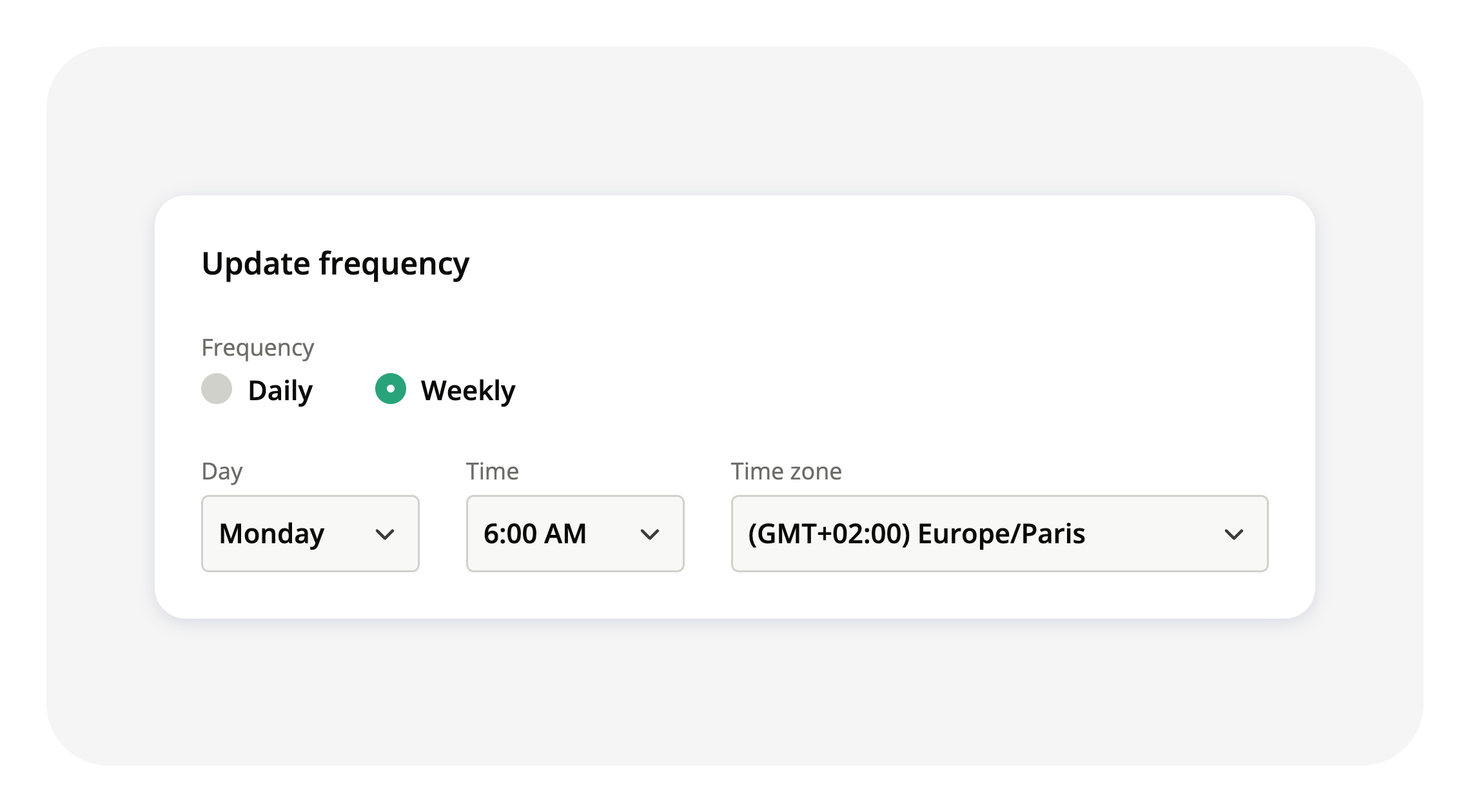
Choose the sync time for your knowledge sources
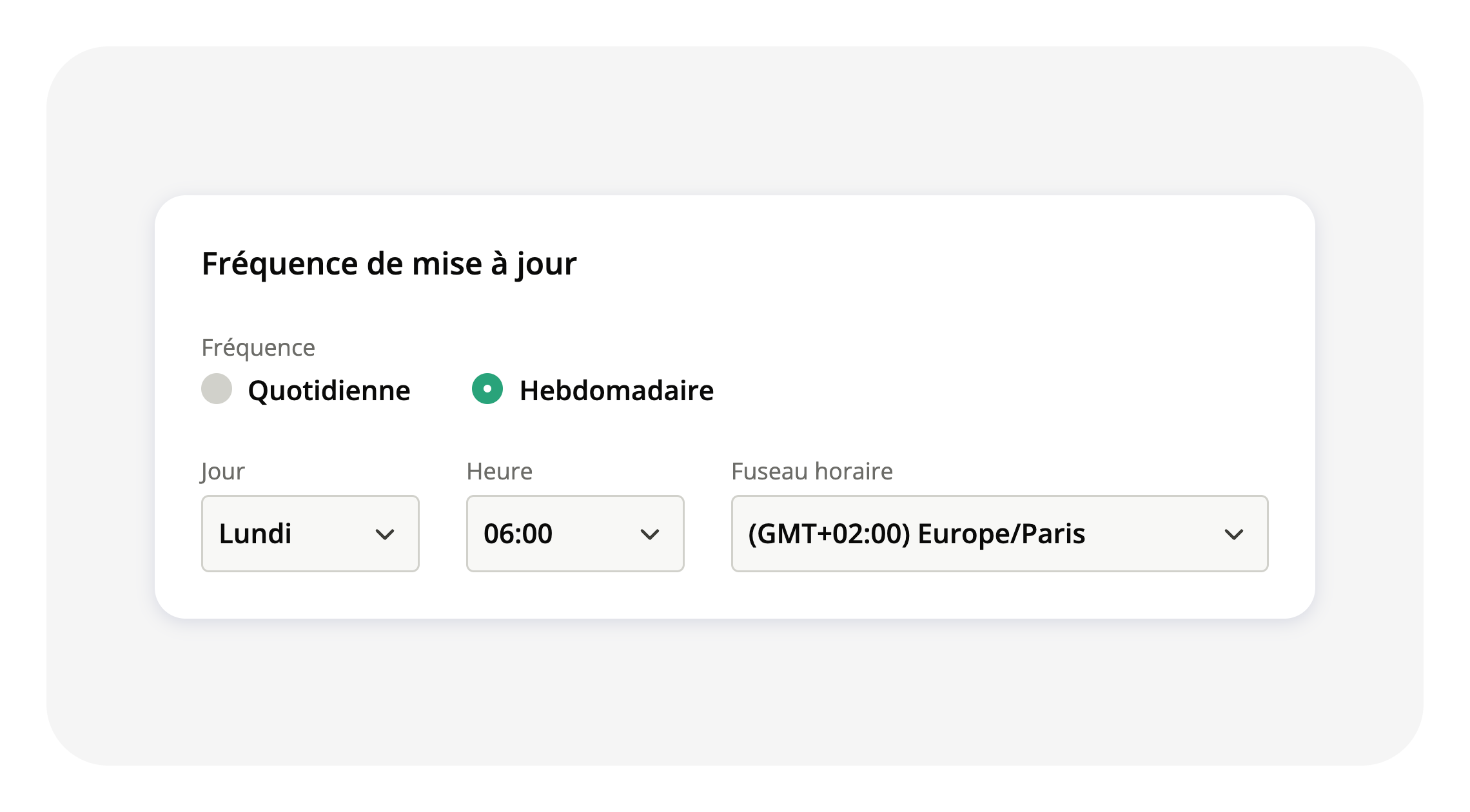
Your knowledge sources (product catalog, help content) feed everything your AI Shopping Assistant says. iAdvize updates them for you, but until now at a fixed time: 3am (GMT+02:00…
 Learn more