14 Sep 2026
Create multiple AI Shopping Assistants on the same project (Admin V2)
Until now, a project supported only one AI Shopping Assistant (Admin V2), the one from its initial setup.
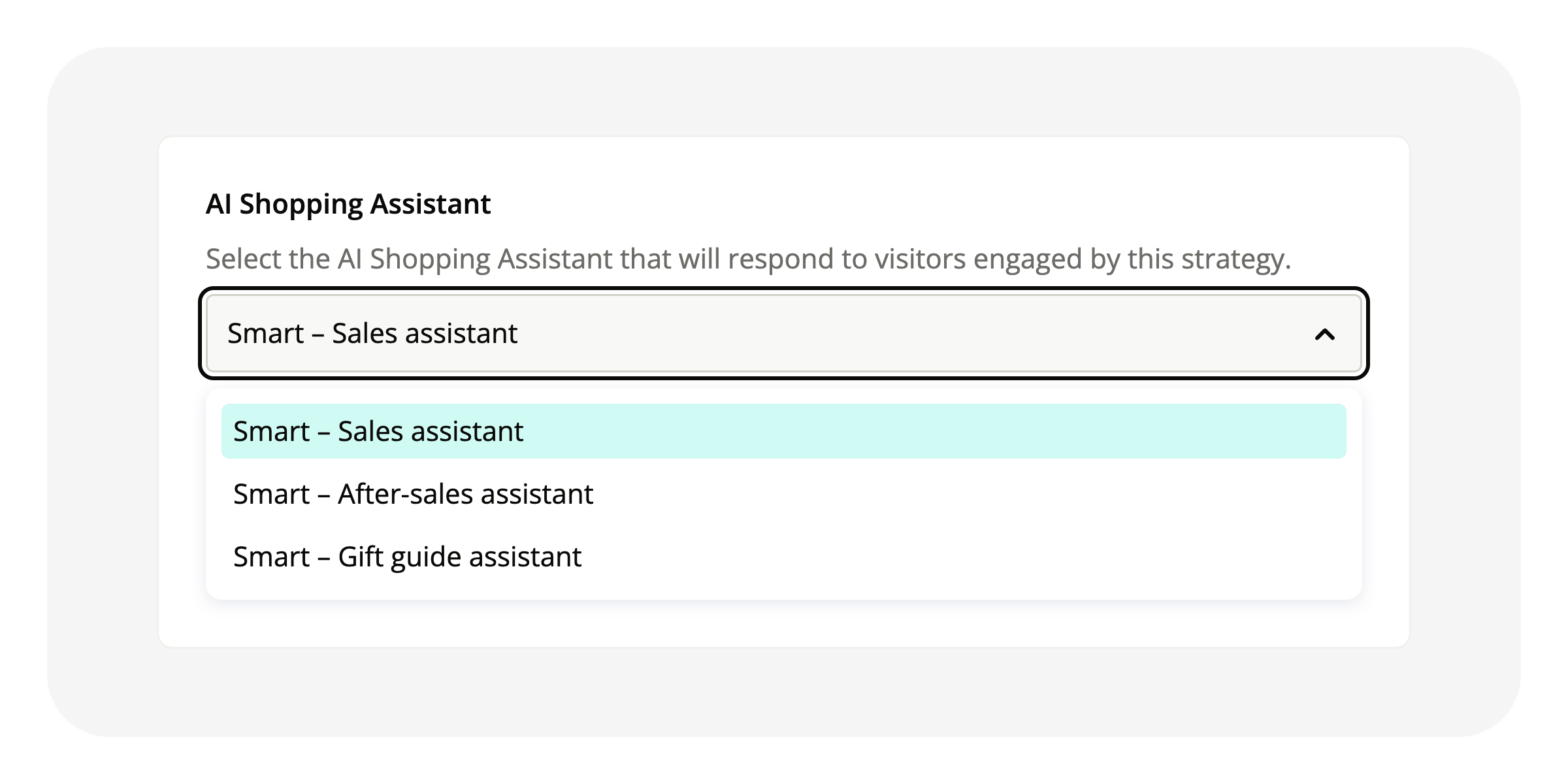
You can now create several from the admin, and each engagement strategy specifies which one responds: an AI Shopping Assistant field, mandatory when saving, with knowledge sources limited to those of the selected Assistant. The strategy list shows the Assistant for each one and can be filtered by Assistant, a strategy whose Assistant is disabled is marked inactive with the reason, and a message warns of the impact before disabling or deleting an Assistant.
Available on the new admin interface (Admin V2). Open an engagement strategy and choose its Assistant in the Widget section.
Related articles
Engagement strategies