The Assistant already recommends products inside a conversation. In your mobile app, a shopper still had to leave that conversation to buy one.
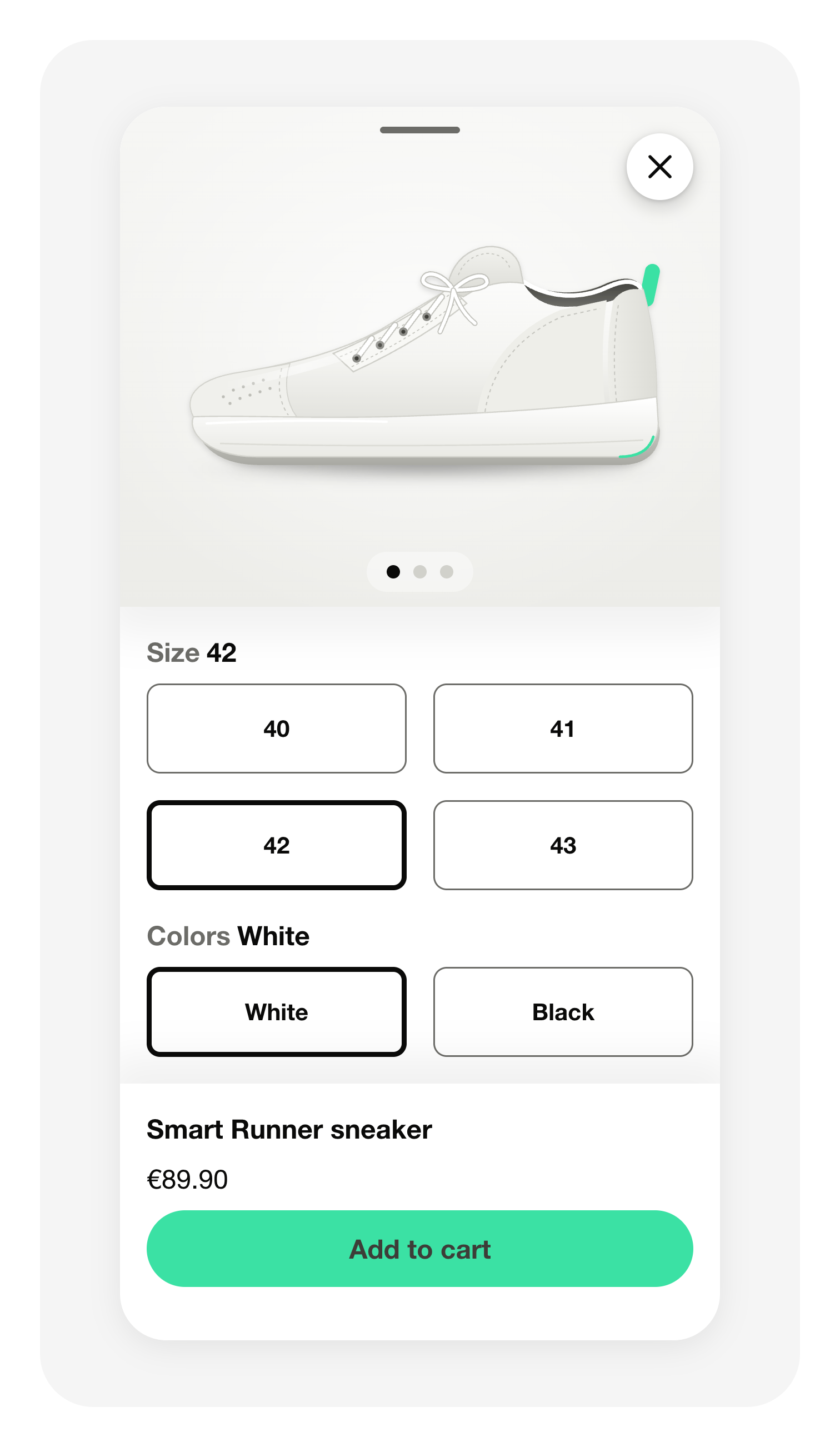
Tapping Add to cart now hands the product to your app, which puts it in the cart, and the Assistant confirms it in the conversation. A product sold in several sizes or colours opens a panel first, listing the criteria that product carries: size, colour, gender, material, condition, brand. The picture, the title and the price follow the selection as it changes, and your app receives the exact variant chosen. A product with a single variant is added straight away. A combination you do not sell or that is out of stock shows Not available on a button that cannot be tapped, and the button itself only appears on products you have in stock.
This works on all four platforms the iAdvize SDK supports: iOS, Android, React Native and Flutter. Your developers update the SDK (iOS 3.2, Android 3.2.1, React Native 5.2, Flutter 3.2) and write the handler that adds the product to your cart. Until they do, the conversation keeps its current View product button.
The confirmation message can also carry a Go to cart button. Give your cart address to your iAdvize contact and intercept the tap in your app.
The same SDK versions also improve long conversations: a shopper who scrolls up to re-read an answer now sees a button as soon as the conversation is no longer at the bottom, and one tap returns to the latest message. The chatbox in your app behaves like the Assistant on your website on this point.
Related articles
Add-To-Cart from a conversation with Assistant
Mobile SDK documentation
L'Assistant recommande déjà des produits dans la conversation. Dans votre application mobile, le visiteur devait encore quitter cette conversation pour en acheter un.
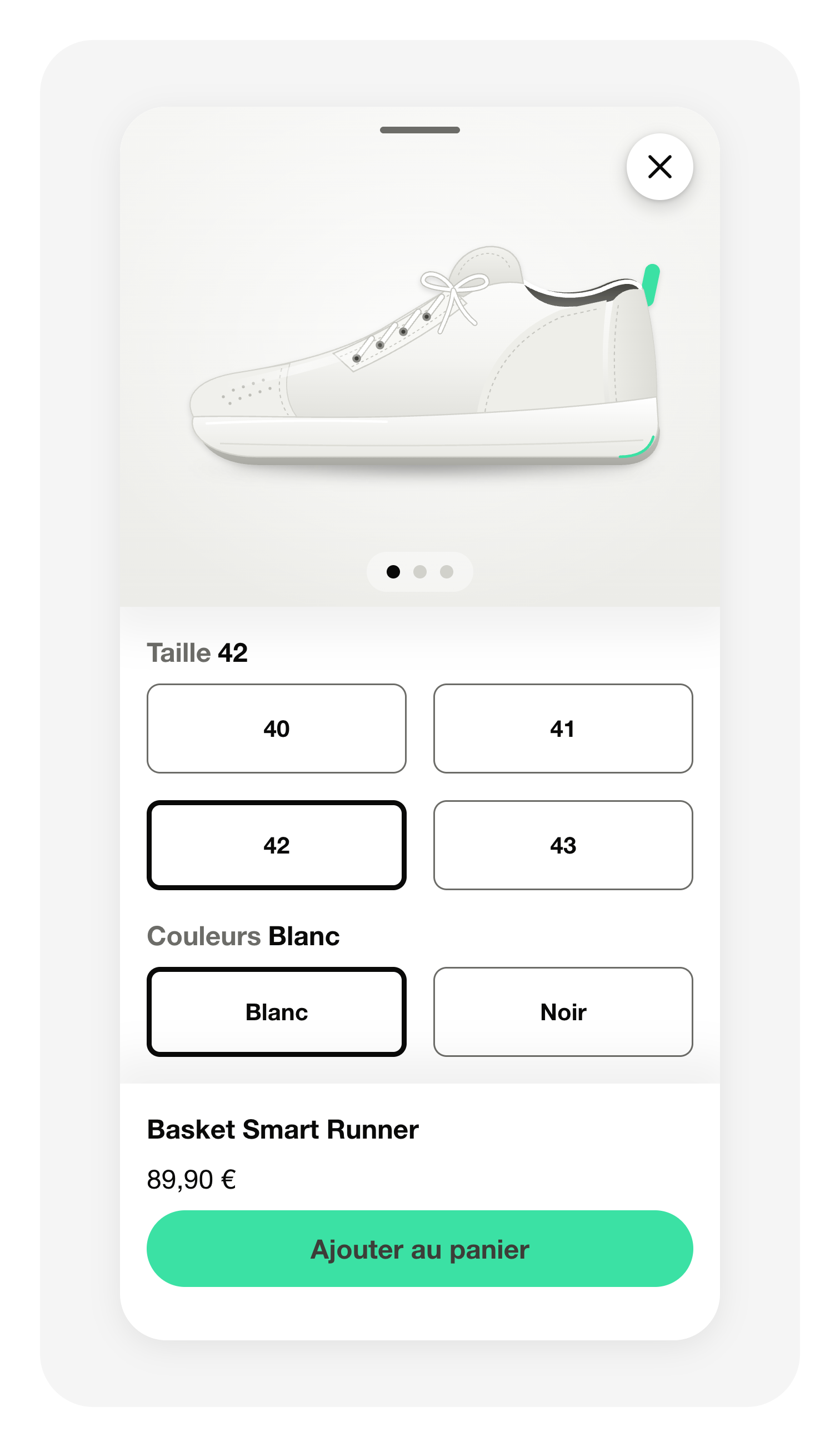
Un appui sur Ajouter au panier transmet maintenant le produit à votre application, qui le place dans le panier, et l'Assistant le confirme dans la conversation. Un produit vendu en plusieurs tailles ou couleurs ouvre d'abord un panneau qui liste les critères portés par le produit : taille, couleur, genre, matière, état, marque. L'image, le titre et le prix suivent la sélection au fur et à mesure, et votre application reçoit exactement la déclinaison choisie. Un produit à déclinaison unique s'ajoute directement. Une combinaison que vous ne vendez pas ou en rupture affiche Non disponible sur un bouton inactif, et le bouton n'apparaît que sur les produits que vous avez en stock.
Cela fonctionne sur les quatre plateformes couvertes par le SDK iAdvize : iOS, Android, React Native et Flutter. Vos développeurs mettent à jour le SDK (iOS 3.2, Android 3.2.1, React Native 5.2, Flutter 3.2) et écrivent la fonction qui ajoute le produit à votre panier. Tant que ce n'est pas fait, la conversation garde son bouton Voir le produit actuel.
Le message de confirmation peut aussi porter un bouton Accéder au panier. Communiquez l'adresse de votre panier à votre contact iAdvize et interceptez le clic dans votre application.
Ces mêmes versions du SDK améliorent aussi les conversations longues : un visiteur qui remonte relire une réponse voit désormais un bouton dès que la conversation n'est plus en bas, et un appui ramène au dernier message. La fenêtre de conversation de votre application se comporte sur ce point comme l'Assistant de votre site web.
Related articles
Add-To-Cart from a conversation with Assistant
Mobile SDK documentation