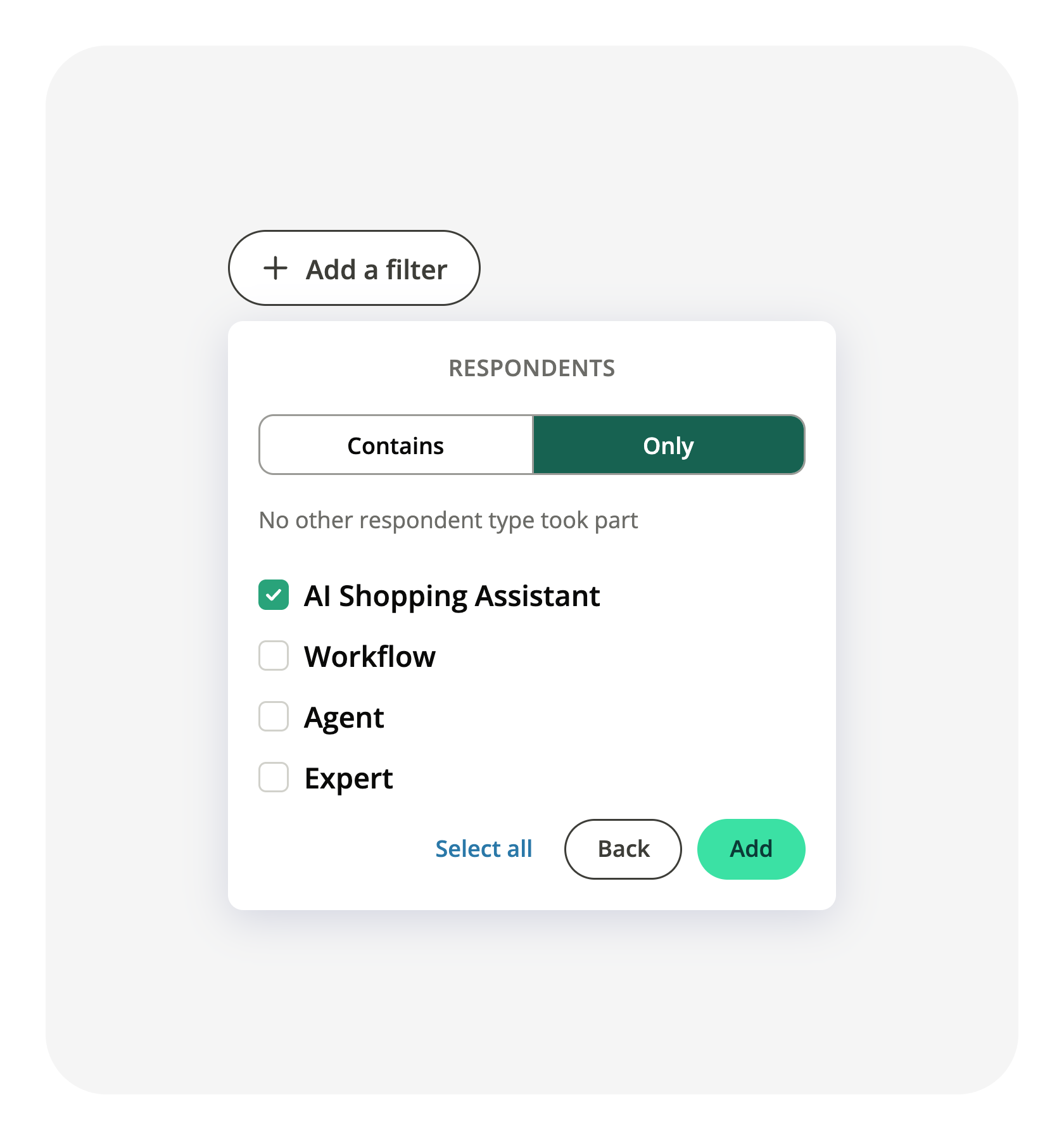
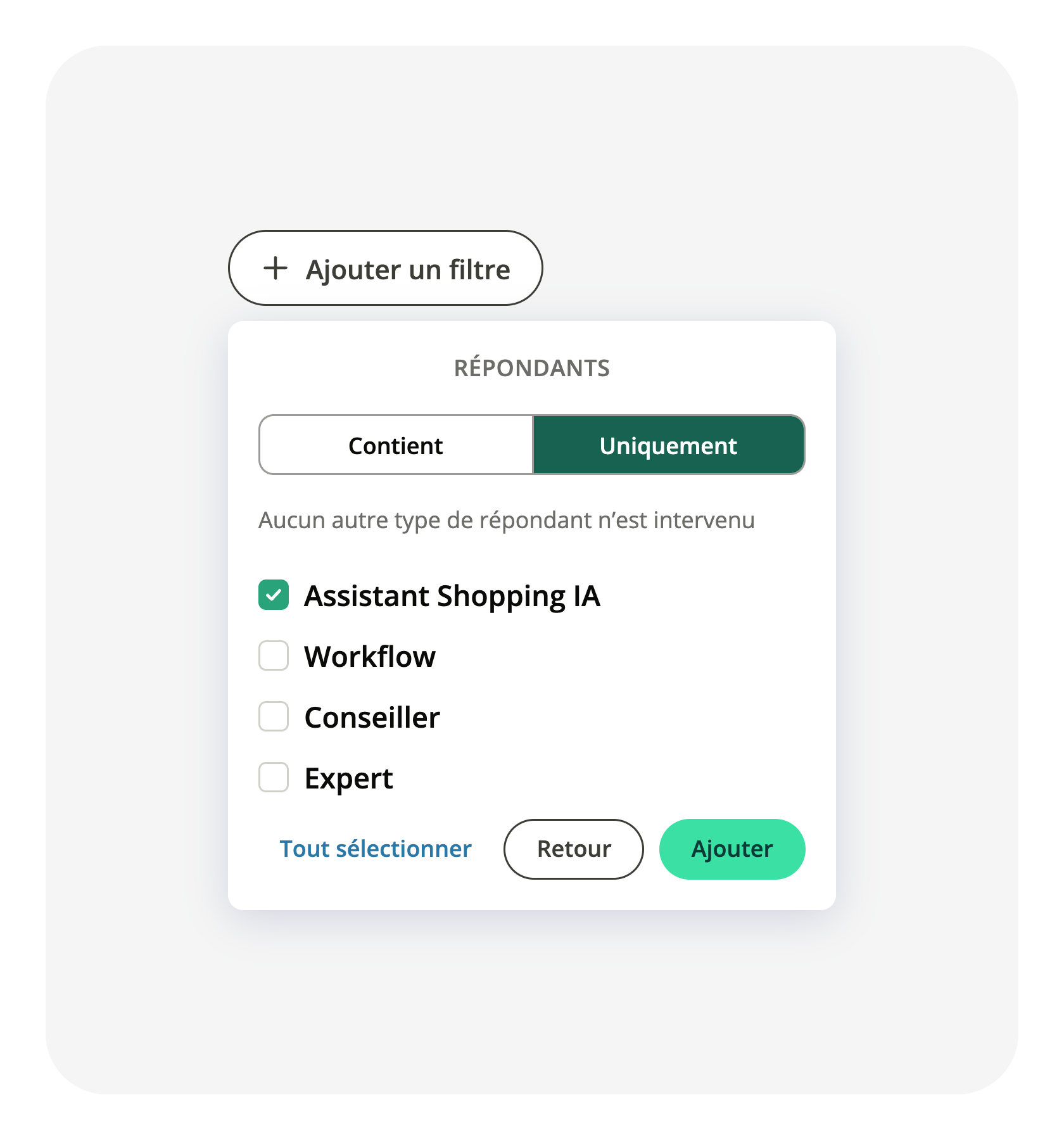
The Respondents filter of your Conversations report adds an Only mode
The Respondents filter of your Conversations report keeps every conversation where the respondents you picked took part. It said nothing about the others: a conversation your AI Shopping Assistant opened and an agent finished came back in the same list as one the assistant carried from end to end.
The filter now opens on two modes. Contains works as before. Only keeps the conversations where no respondent type other than the ones you picked took part, so a conversation passed to an agent drops out of the list. The names follow the vocabulary you see elsewhere, AI Shopping Assistant and Workflow, in the filter as in the performance table, and conversation details list every respondent, including the users you have deleted. Open the Respondents filter of your Conversations report to pick a mode.
Related articles
Reports - Conversations