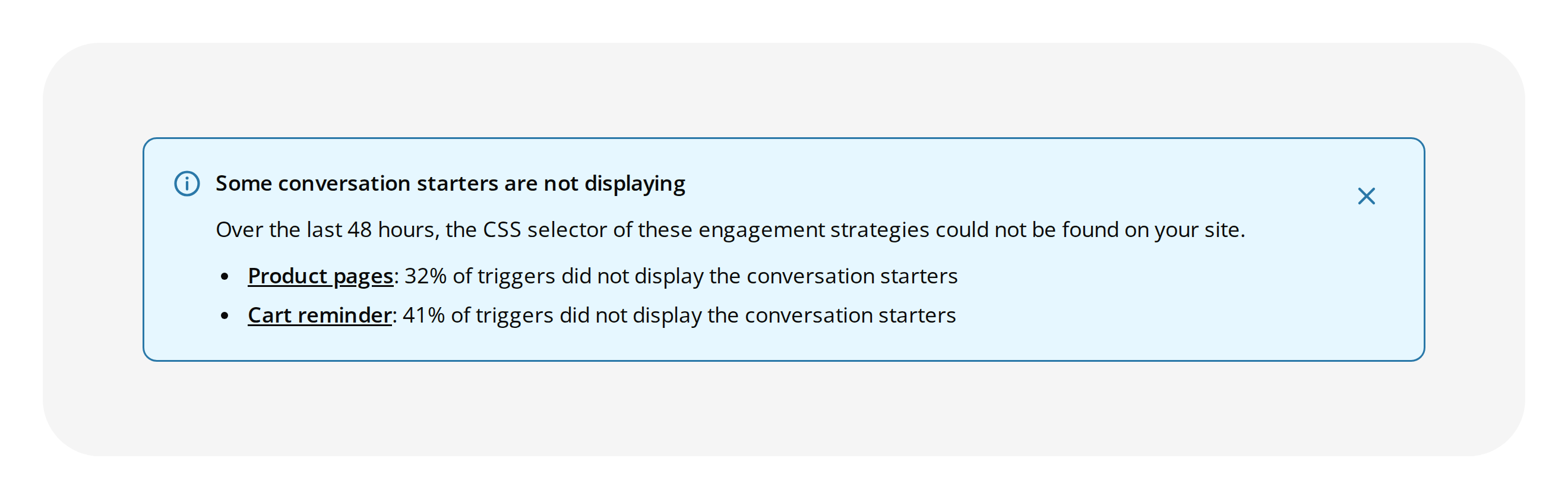
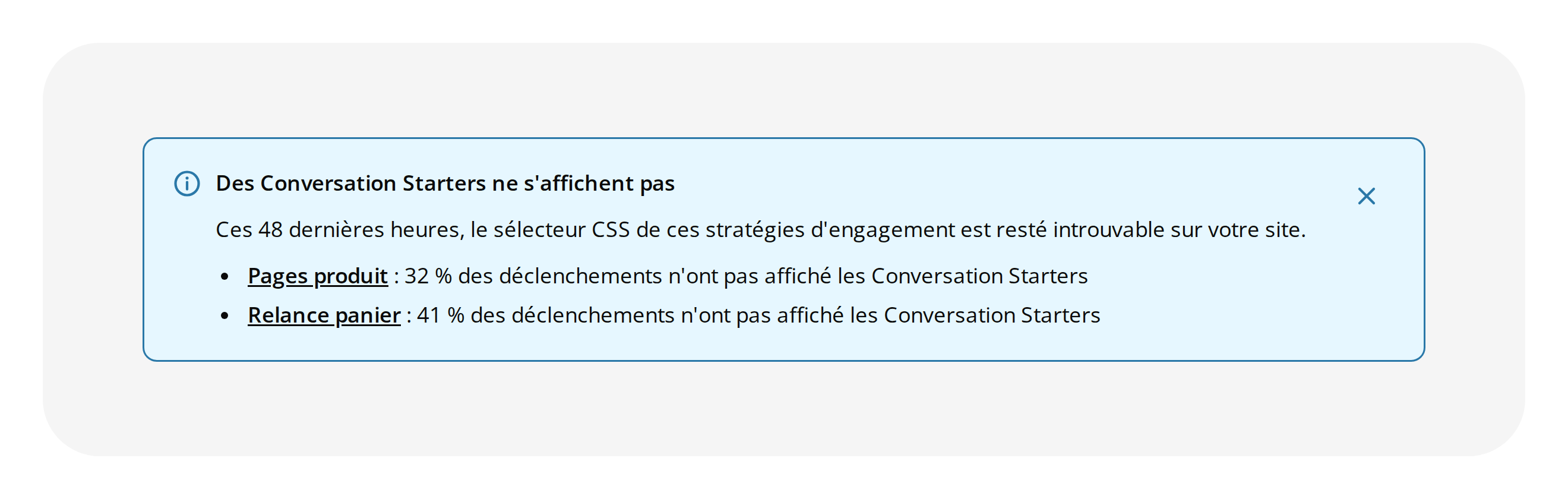
The "Some conversation starters are not displaying" alert names each strategy and its rate
The "Some conversation starters are not displaying" alert appears in the notification center of your administration when Starters trigger without showing on your site. It used to fire below an 85% display rate and listed the widgets concerned, without saying how many triggers were lost or why.
The alert now targets one cause: the Starter's CSS selector could not be found on the page. It fires when a strategy drops below a 75% display rate for that reason, over at least 100 triggers in the last 48 hours, and clears on its own once every strategy is back at 5% of lost triggers or less. The notification gives the number of strategies concerned. On the strategies list, each one is named with its rate and a link to its position tab. On the previous engagement interface, the widgets list gives the same detail.
Follow the link of the strategy flagged to check its CSS selector.
Related articles
Your Administration Alerts