Three new settings for Shopify stores:
- Consent: four modes in your theme editor. By country (the default setting), Shopify's cookie banner, your own CMP tool (Didomi, Tealium), or an installation outside Shopify.
- Product data page: add and select the metafields, product tags, collections and metaobjects sent to the assistant, down to a single field of a metaobject. Nothing is sent without your selection and applies to the next catalog sync.
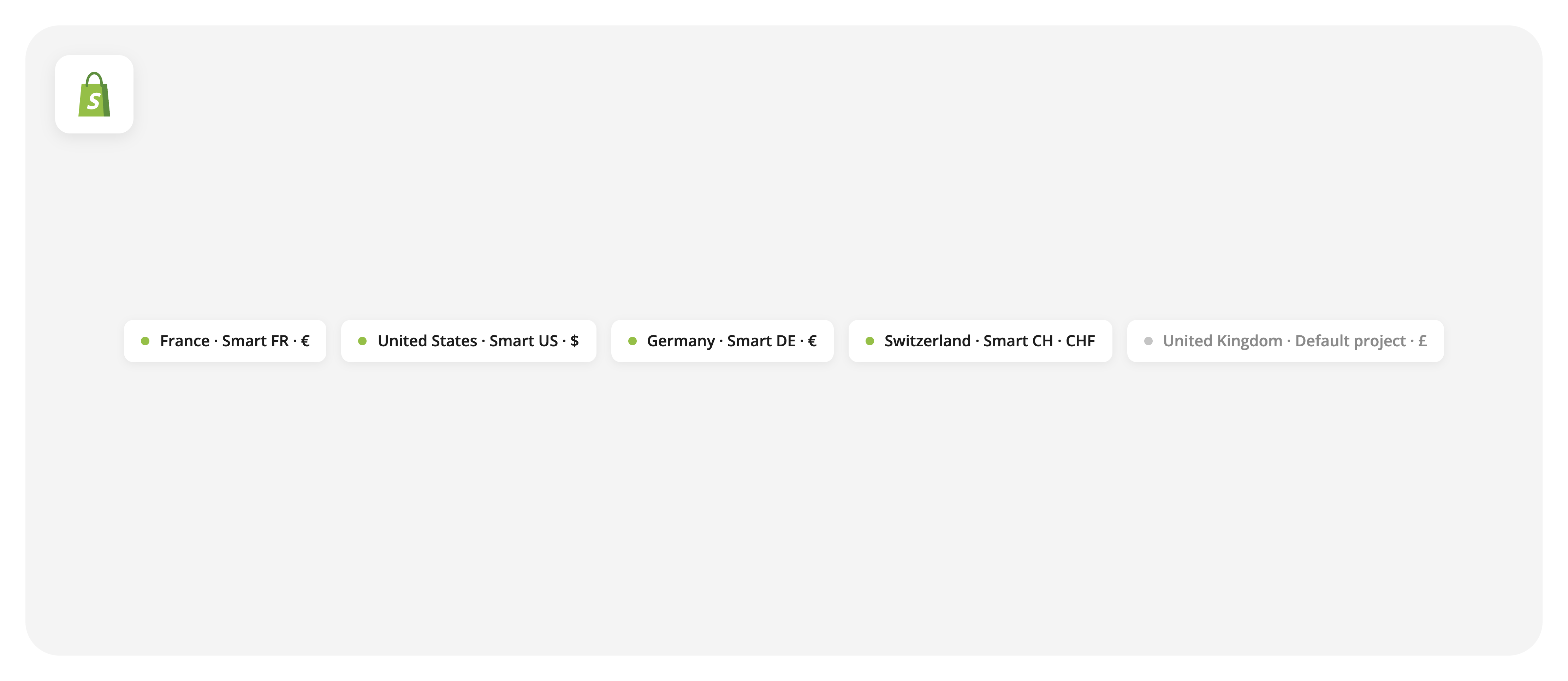
- Markets page: each Shopify market can have its own iAdvize project. Its catalog syncs with the market's prices, the assistant displayed on your site and each sale is attributed to the project the buyer interacted with. For a market you haven't linked yet, create its project directly from Shopify.
Shopify will ask you to accept the app's new permissions. Then open the iAdvize app in your Shopify admin, then the Markets and Product data pages. To send metaobjects, click Allow access to metaobjects on the Product data page. The consent setting is located elsewhere: Online Store, Themes, Customize, App embeds, iAdvize.
Related articles
Shopify installation guide
Trois nouveaux réglages pour les boutiques Shopify :
- Consentement : quatre nouveaux modes dans votre éditeur de thème. Par pays (le réglage par défaut), la bannière cookies de Shopify, votre propre outil CMP (Didomi, Tealium), ou une installation hors Shopify.
- Page Product data : ajoutez et sélectionnez les metafields, tags produit, collections et metaobjects transmis à l'assistant, jusqu'au champ isolé d'un metaobject. Rien n'est transmis sans votre sélection et s'applique à la prochaine synchronisation du catalogue.
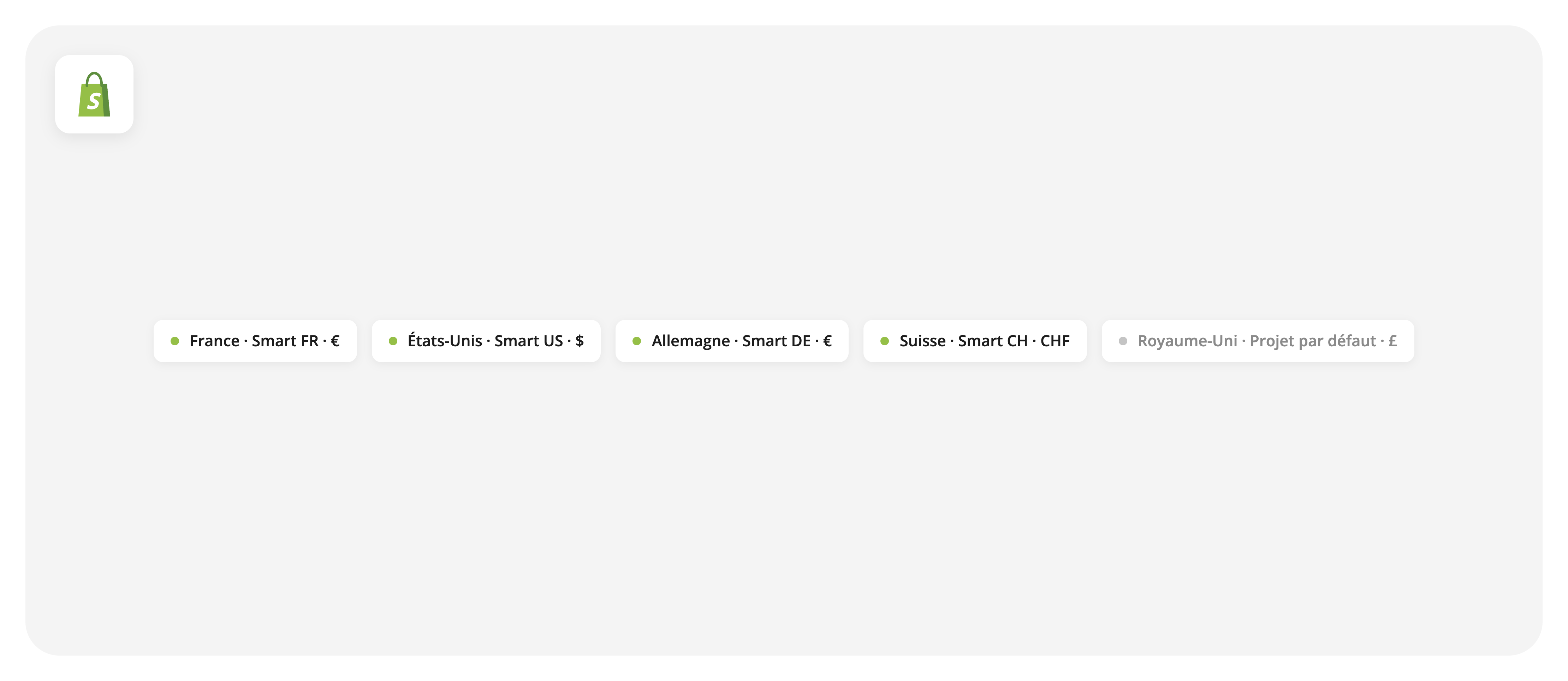
- Page Markets : chaque marché Shopify peut avoir son propre projet iAdvize. Son catalogue se synchronise avec les prix du marché, l'assistant affiché sur votre site et chaque vente revient au projet avec lequel l'acheteur a échangé. Pour un marché que vous n'avez pas encore associé, créez son projet directement depuis Shopify.
Shopify vous demande d'accepter les nouvelles autorisations de l'application. Ouvrez ensuite l'application iAdvize dans votre administration Shopify, puis les pages Markets et Product data. Pour transmettre les metaobjects, cliquez sur Allow access to metaobjects dans la page Product data. Le réglage du consentement est ailleurs : Online Store, Themes, Customize, App embeds, iAdvize.
Articles liés
Guide d'installation Shopify