21 Oct 2026
Live conversations open in your Conversations report
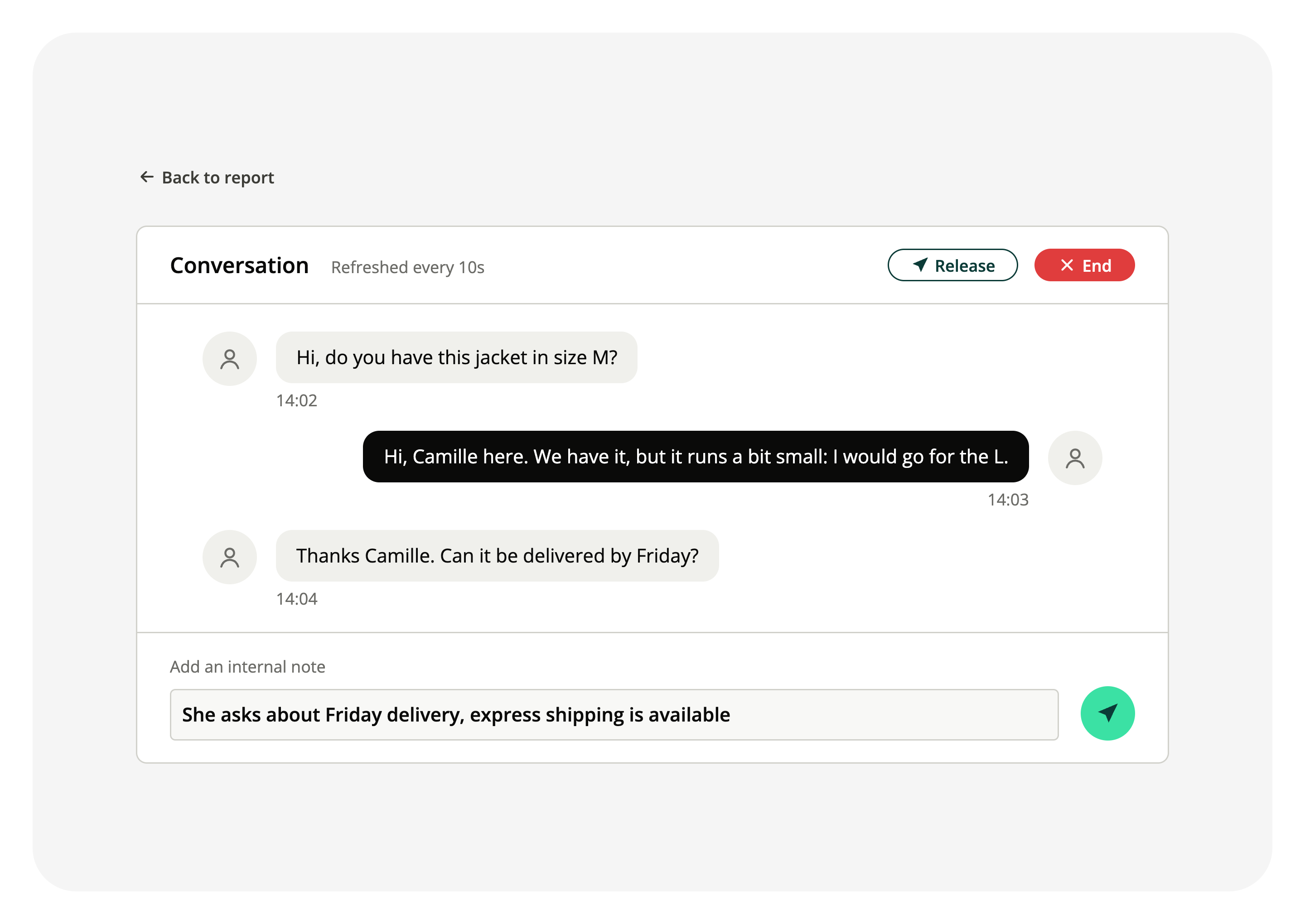
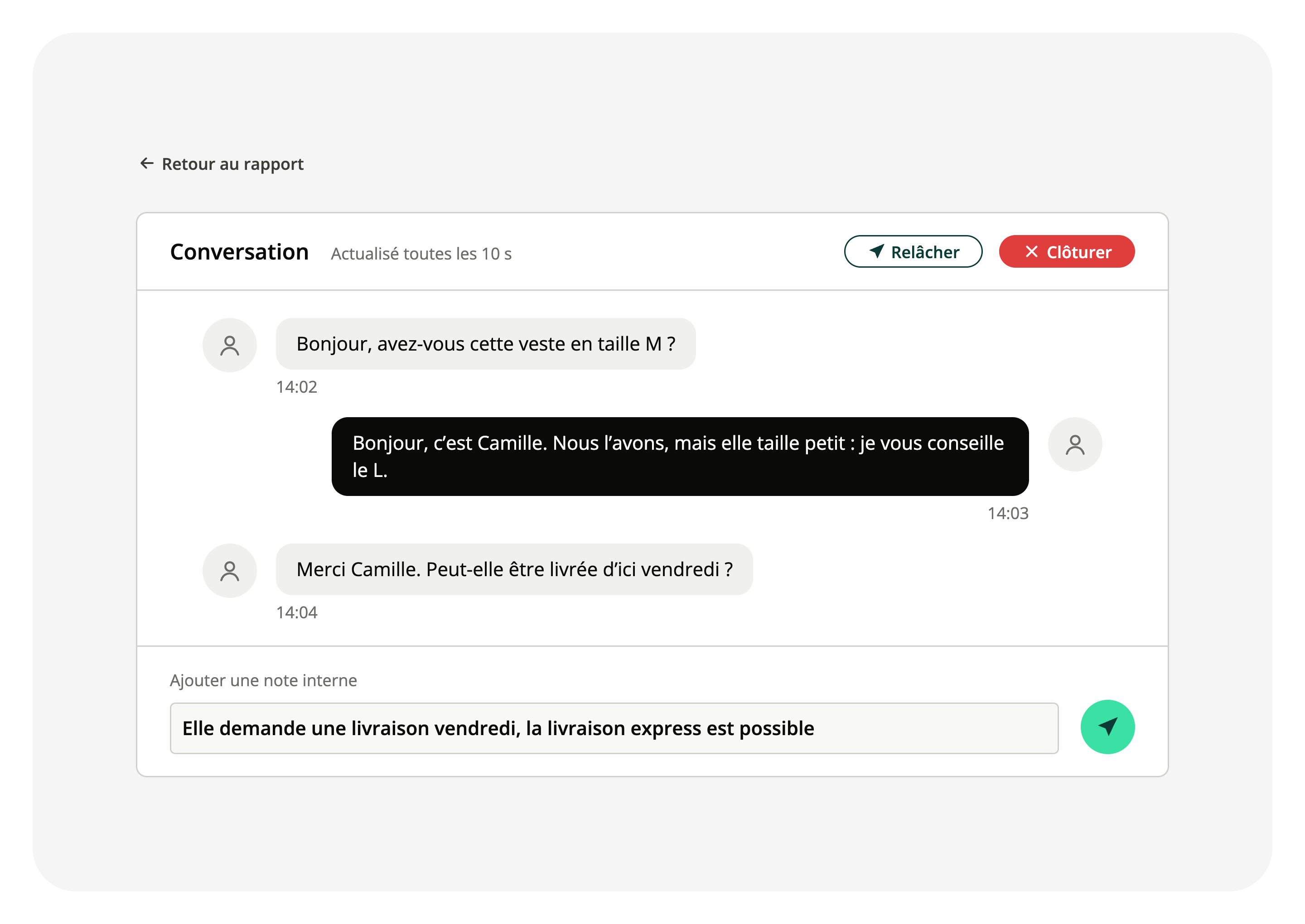
In your Live activity report, Read opens a pending, ongoing or snoozed conversation on its own page. That page now opens in your Conversations report, with the same features:
- Conversation thread: in the middle, refreshed every 10 seconds while the conversation is open.
- Details panel: status, duration, project, channel, agent and shopper information.
- Past conversations: the shopper's history, in a card under the thread.
- Release and End: at the top of the conversation, with a confirmation.
- Internal note: a message to the agent handling the conversation, never shown to the shopper.
In the Supervision report or on your dashboard, Read next to a connected agent opens all their ongoing conversations, one after the other.
Click Read in your Live activity report to open the new page.
Related articles
Advanced reports - Live activity